3
Accessing equipment and control screens
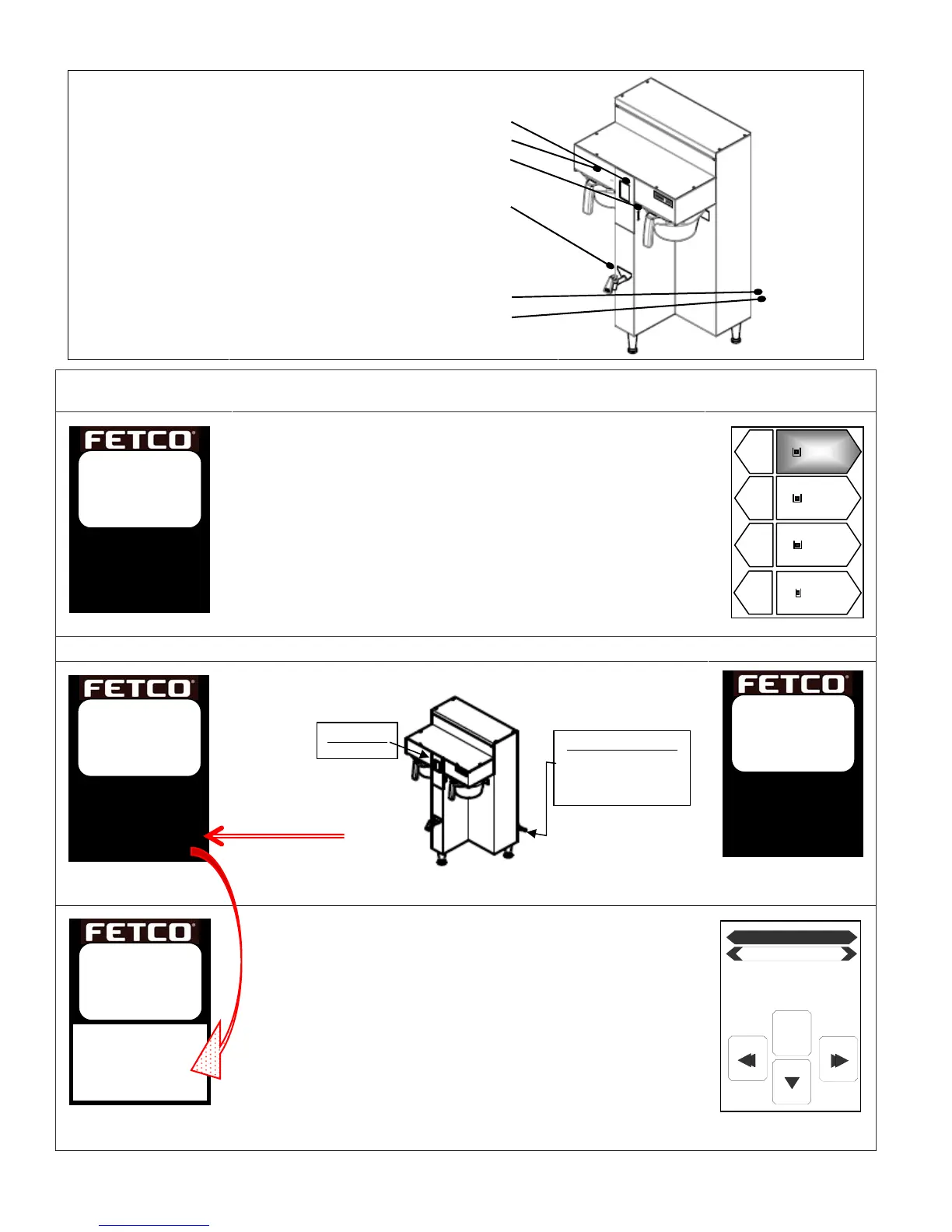
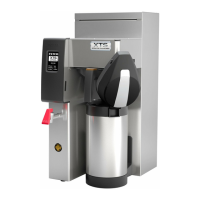
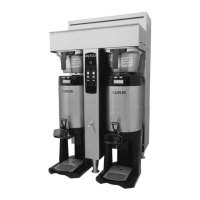
Layout of the brewer
Touch-screen for brewer operation
Brew basket sensor (internal)
SD card interface port (Load & Save)
Hot Water Faucet
Airpot or Dispenser Locator
(Two for dual side)
Main power switch
Slide out back panel for service access
Accessing batch and programming menu screens
CBS-2100 home screen shown
Å CBS_2100XTS brewer HOME SCREEN:
Tap to enter batch selection screen.
ÅTap left or right side batchesÆ
…AND…
Select and hold down a batch selector pennant to begin brew.
Batch selection screen
Accessing the menu screens for programming
CBS-2100 home screen shown
CBS-2100 home screen shown
Shown in optional “ECO” Mode
CBS-2100 home screen shown
ÆFrom power “OFF”
ÆTouch screen will briefly illuminate
ÆTurn main power switch to “ON”
(Switch located lower right side of back panel)
-When Complete: the HOME SCREEN will display
-Immediately touch and hold finger to enter programming
-Lower portion of the screen will highlight as shown
-In 5-8 seconds “PROGRAMMING” screen will appearÆ
Regular
1.50
05:30
Decaf
1.50
05:30
Decaf
1.50
05:30
Regular
1.50
05:30
EXIT
PROGRAM
Batch 1 Left
CBS-21XX
Ready
Heating
Filling
XTS™
EXTRACTOR
TOUCHSCREEN
Touch
screen
to unlock
CBS-2150XTS
Ready
Heating
Filling
Touch
screen
to unlock
CBS-2150XTS
Ready
Heating
Filling
XTS™
EXTRACTOR
TOUCHSCREEN
Touch
screen
to unlock
CBS-21XX
Ready
Heating
Filling
XTS™
EXTRACTOR
TOUCHSCREEN
Touch
screen
to unlock
CBS-2150XTS
ECO
Heating
Filling
XTS™
EXTRACTOR
TOUCHSCREEN
Touch
screen
to unlock
Touch/Hold here
to enter “PROGRAMMING”
MAIN POWER SWITCH
Located to lower right
side of back
anel
Touchscreen


 To Next Page