Go to fetco.com for the latest version of all information 4 P141 REV:002 revised 1/2016 ©December 2015
I
I
n
n
s
s
t
t
r
r
u
u
c
c
t
t
i
i
o
o
n
n
s
s
f
f
o
o
r
r
b
b
r
r
e
e
w
w
o
o
p
p
e
e
r
r
a
a
t
t
i
i
o
o
n
n
-
-
f
f
a
a
s
s
t
t
b
b
r
r
e
e
w
w
Setup is simple
1-Connect unit to water and electrical utilities
See instructions
2-Turn unit “ON” to fill and heat
The “READY” icon will display “Ready To Brew” with factory set defaults
3-Add paper and ground coffee to brewbasket
The Specialty Coffee Association of America® (SCAA) guidelines are 55grams per liter
4-Place appropriately sized, clean, empty and preheated dispenser under brewbasket.
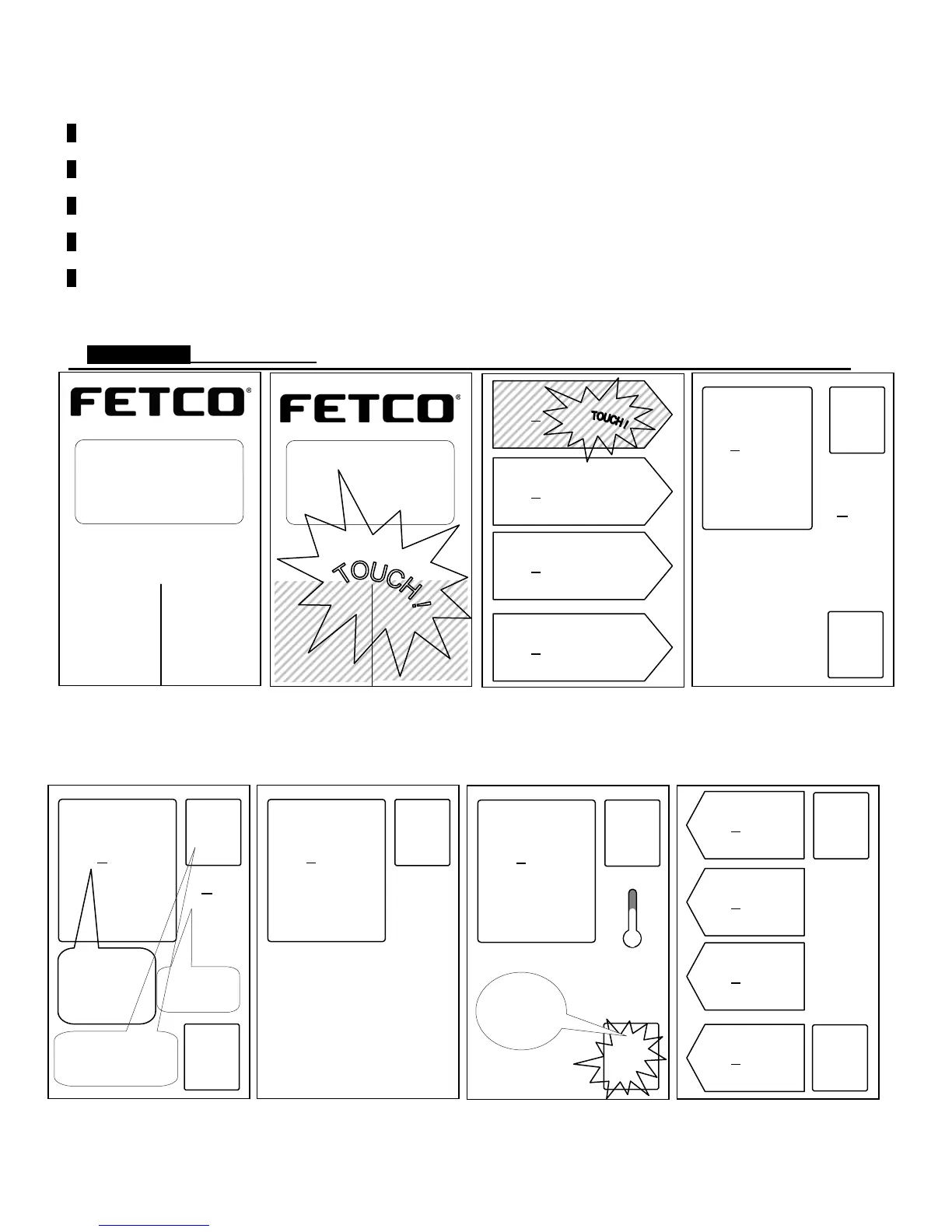
5-Touch and briefly hold finger on screen as shown below to start brew
-Note: “READY” icon is satisfied
Brew operation is simple. The intuitive touch screen-STARTS THE BREW
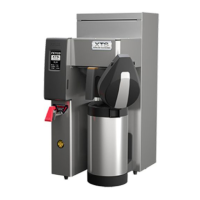
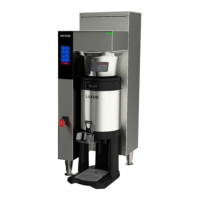
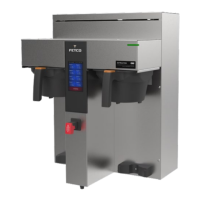
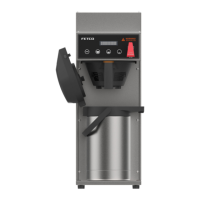
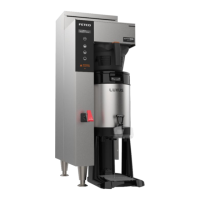
CBS-2161XTSsingle side brewer is displayed. Screen shown approximately the same size as on equipment
Brew operation-intuitive touch screen-continued BREW IN PROCESS
When the brew is started the equipment will display the brew process graphically as shown
1)With ready icon displayed
2)Touch and hold to activate
brew menu
3)Touch and hold pennent to
start brew
4) Brew Started
Activated brew screen menu
status in box and displays time.
Drip delay icon
(brew basket locked)
Unit below set temperature
(single side brewer)
Unit below set temperature
(dual side brewer)
Regular 1
|■
| 3:00
6:00
°F 200
INFO
START
(<)199°F
Unit is heating
and will start
when above
200° F
Regular 1
|■
| 3:00
6:00
Regular 2
|■
| 3:00
6:00
Decaf 1
|■
| 3:00
6:00
Decaf 2
|■
| 3:00
6:00
INFO
GENERAL
STOP
Heat
X
X
T
T
S
S
™
™
E
E
X
X
T
T
R
R
A
A
C
C
T
T
O
O
R
R
T
T
O
O
U
U
C
C
H
H
S
S
C
C
R
R
E
E
E
E
N
N
CBS_2160
■ Ready
Heating
Filling
Touch
screen
to unlock
Regular 1
|■
| 3:00
6:00
°F 200
INFO
[_ _]
6
01:59
STOP
MENU Status Window
-Name of batch
-Brew size (1 gallon)
-Toatal Brew time
-Brew temperature
Regular 1
|■
| 3:00
6:00
°F 200
INFO
╣║╠
▐▄
▌
▐
05:30
Brew process
phase icon and
time-out
STOP
INFO icon is present
but inactive.
INFO is always
displayed in box to left.
X
X
T
T
S
S
™
™
E
E
X
X
T
T
R
R
A
A
C
C
T
T
O
O
R
R
T
T
O
O
U
U
C
C
H
H
S
S
C
C
R
R
E
E
E
E
N
N
CBS_2160
■ Ready
Heating
Filling
Touch
screen
to unlock
Regular 1
|■
| 3:00
6:00
Regular 2
|■
| 3:00
6:00
Decaf 1
|■
| 3:00
6:00
Decaf 2
|■
| 3:00
6:00
Regular 1
|■
| 3:00
6:00
°F 200
INFO
╣║╠
▐▄
▌
▐
05:30
STOP


 To Next Page