Trouble Shooting
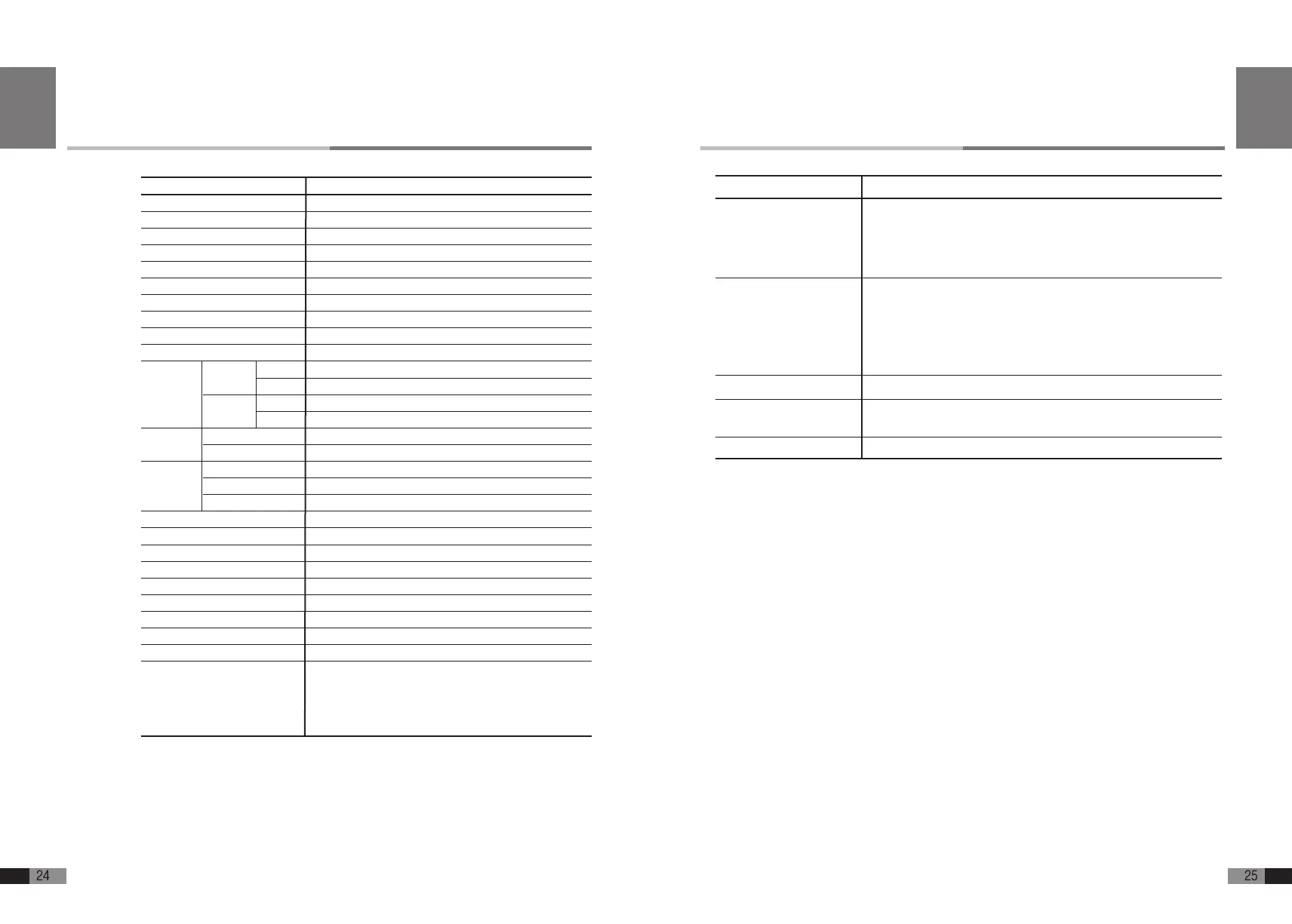
Phenomenon
No Power
No Sound
Some key does not work
Some key is louder or
softer than other key.
Noisy Sound
Possible cause and Trouble shooting
Check if AC plug is connected to the outlet.
Check if DC plug is connected well to the DC Jack of the Rear of the main
control unit or control unit.
Check if you are using a different power supply that is not compatible with the
FEURICH BASIC
Check if headphone is connected correctly.
Check if volume is lower position.
Check if bar graph is moving when you strike the keys.
- If bar graph is not moving correctly then check the cable between main
unit and key sensor rail.
- If cable is all right, then please do the initializing procedure.
Please do the initializing procedure as instructed on User’s Guide (P16).
Please do the sensitivity of FEURICH BASIC even you did initializing proce-
dure as instructed on User’s Guide (P16).
Check the headphone if there is particle inside of the ear-pad.
English
*Abovespecificationsaresubjecttochangewithoutnotice.
UniversalMuteRailbyManualLever
ReflectorTypePhotoSensorSystem
127Level
5Curves
IndividualAdjustmentRangefrom000to255
Sustain,Soft
17Pre-Set,128GMSounds
384Mb
128Poly
+-24Semitone
8
000~127
8
000~127
440Hz
438~445Hz(1Hz)
25~250
21Type
0~9
10Songs
2Tracks(Approx.40,000Notes)
3DigitNumericLED
1/8”x2Jacks
MIDIINTERFACEbuiltin(ConnectingtoComputer)
Input/Out/Thru(ExtraMIDIModule)
In/Out(Stereo)
Input:AC100~240V,Output:DC12V,1~3A
121x18x67mm(WxHxD)
Silent Mechanism
Sensor Keyboard
Velocity
Touch Response
Sensitivity of each Keys
Sensor Pedal
Sounds
Sounds Memory
Polyphony
Transpose
Effect
Pitch
Metronome
Demonstration Song
Record and Playback
Display
Headphone Jack
USB MIDI INTERFACE
MIDI Port
Audio
Power Supply
Dimension of Control Unit
Remark
Item
Description
Reverb
Chorus
Standard
Range
Tempo
Type
Volume
Type
Ragne
Type
Range
Specications
English


 To Next Page