ENGLISH (Translated from original language)
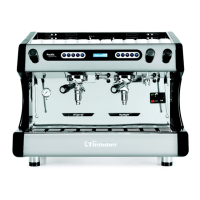
Espresso Coffee Machines Compass MB by fiamma43
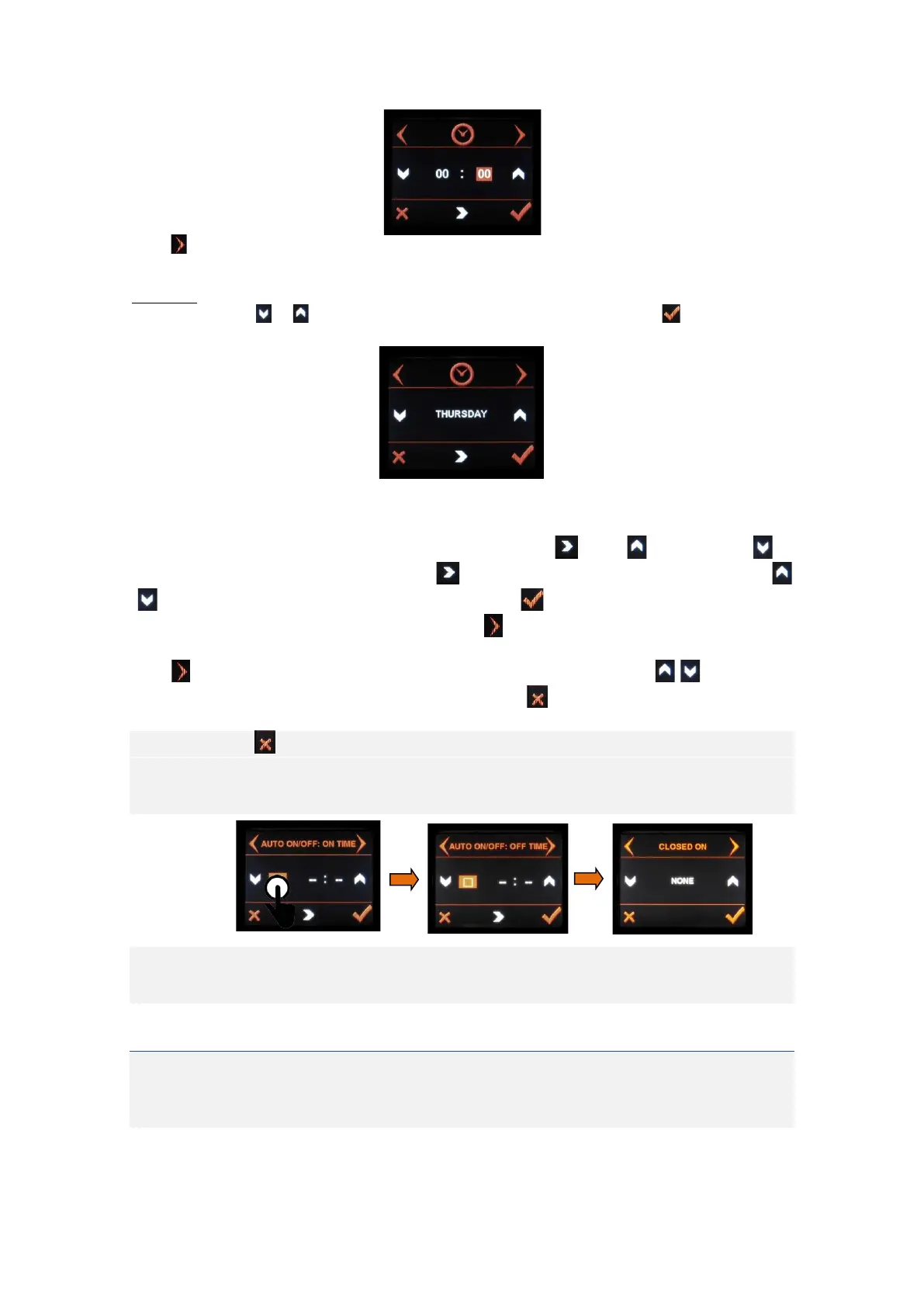
Press in order to advance to the next item.
WEEKDAY
Use the arrow keys or in order to navegate between the weekdays and press in order to
confirm your selection.
In order to program the times for Auto ON/OFF, press the square that appears on the left side of the
display (see below).
In order to navigate between menu items, press the arrow key . Press to increase, or to
decrease. After setting the desired values, press to navigate to the next item. Use the arrow keys
/ to change the values and after having set the time, press to save.
In order to navigate to the next item “OFF TIME”, press and proceed the same way to set the desired
time for automatic switch-off.
Press in order to navigate to the item “CLOSED ON” (weekly rest day), pressing / in order to set
the day. After having defined the AUTO ON/OFF times, press to leave the menu and go back to the
main menu (display C).
You can press any time in order to go back to the main menu (display C)
In case you do not wish to set a weekly rest day, select “NONE”
You can only choose 1 weekly rest day.
Note: The Auto ON/OFF function only works if the machine is switched on via the main switch.
In order to set the time for Auto ON/OFF and weekly rest day
If one these time settings is deactivated, all other are deactivated. In this case, you can only switch
the machine on or off manually.
3.2.1.4. SYMBOL 12. ON / OFF ELECTRONICS
Symbol 12 (ON/OFF-symbol) activtes or deactivates the electronics
Press symbol 12 in order to turn the electronics off. The keyboards and 3-digit-displays (shot-timers)
turn off and the graphic touchscreen goes into OFF-mode. In this mode, the Auto ON/OFF settings
work.


 To Next Page