4
BASIC ACTIVATION
#2: Basic activation
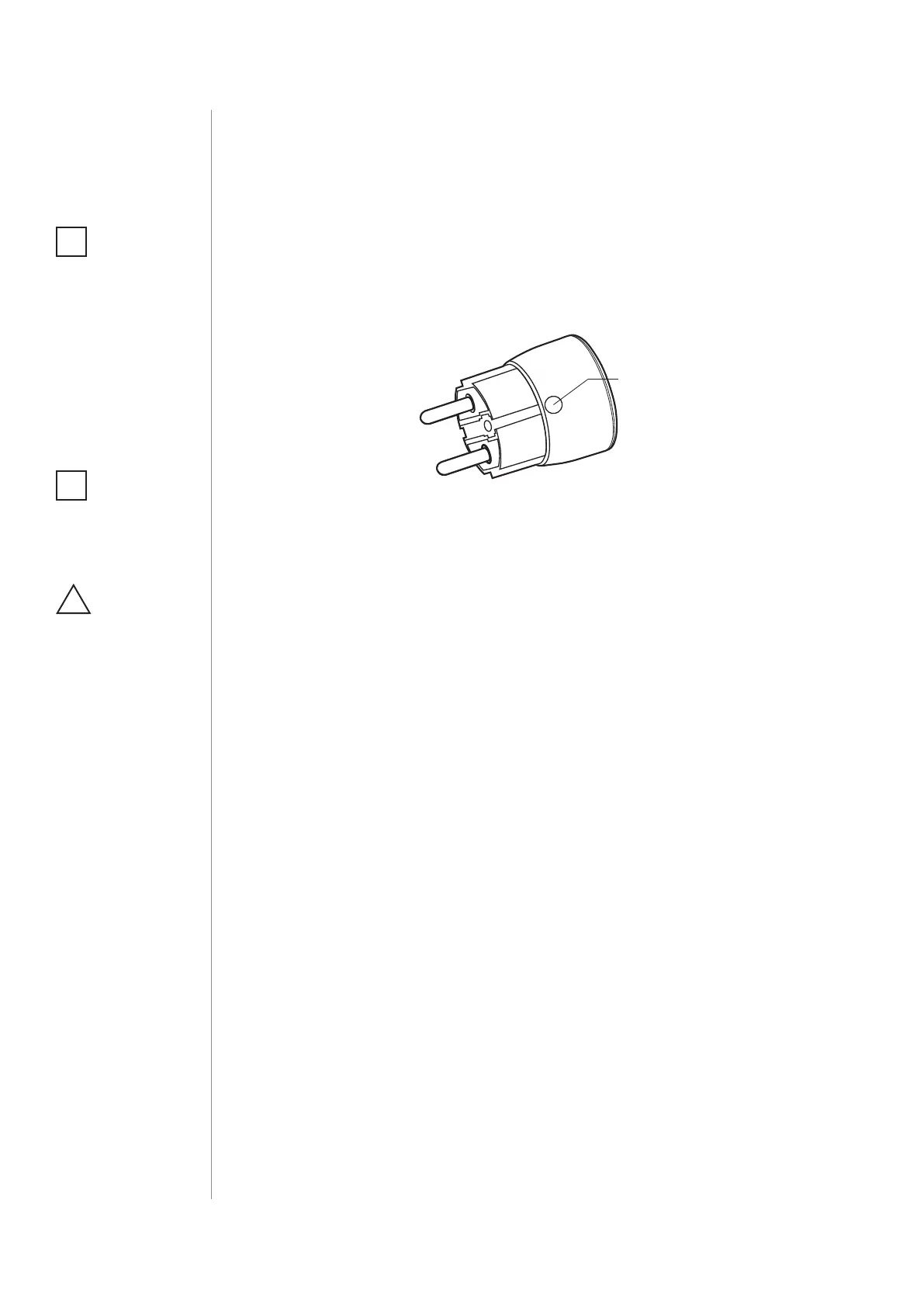
1. Plug the device into a socket nearby the main Z-Wave controller.
2. Set the main controller in (security/non-security) add mode (see
the controller’s manual).
3. Quickly, triple click the B-button located on the casing.
4. Wait for the device to be added to the system.
5. Successful adding will be conrmed by the controller.
6. Plug a device you want to control into the Wall Plug.
7. Test the device by turning it on and o using the B-Button.
NOTE
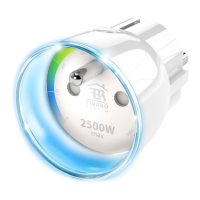
When powered, the
device will indicate
Z-Wave status with
colour of LED ring:
• Green - the device is
already added to the
Z-Wave network.
• Red - the device is
not added to any
Z-Wave network.
i
NOTE
Socket used for
the Wall Plug should
be easily accessible.
i
CAUTION
Do not put one
Wall Plug into another.
!


 To Next Page