5
ADDING THE DEVICE
#3: Adding the device
Adding (Inclusion) - Z-Wave device learning mode, allowing to add
the device to existing Z-Wave network.
To add the device to the Z-Wave network:
1. Plug the device into a socket nearby the main Z-Wave controller.
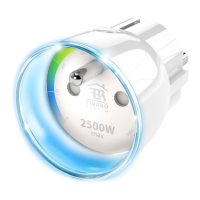
2. The LED ring will glow red signalling not being added (reset or
remove the device otherwise).
3. Set the main controller in (security/non-security) add mode (see
the controller’s manual).
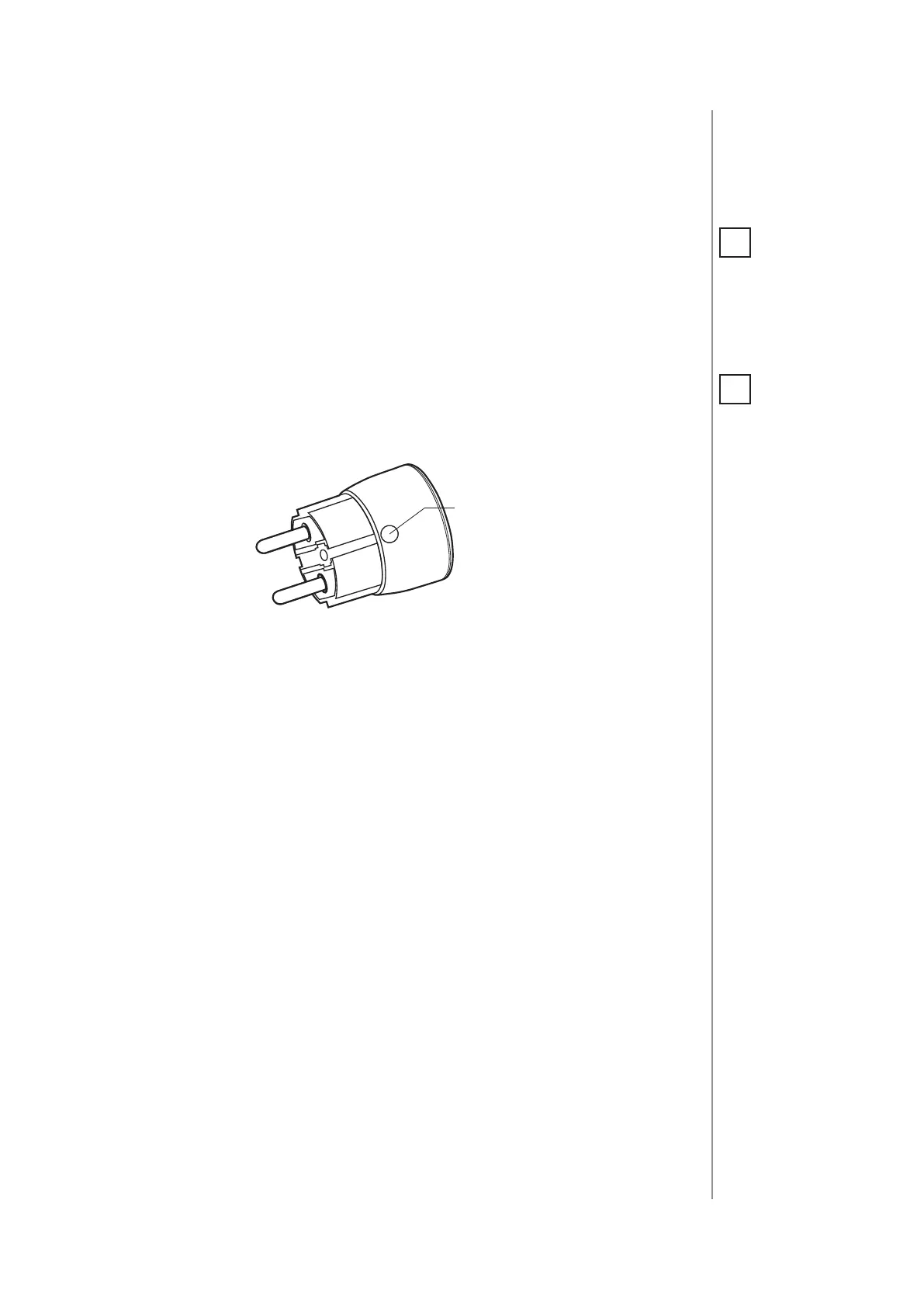
4. Quickly, triple click the B-button located on the casing.
5. Wait for the adding process to end.
6. Successful adding will be conrmed by the Z-Wave controller’s
message.
NOTE
Adding in security
mode must be per-
formed up to 2 meters
from the controller.
i
NOTE
In case the device is
not added, please
reset the device and
repeat the adding
procedure.
i


 To Next Page