- 10 -
- 11 -
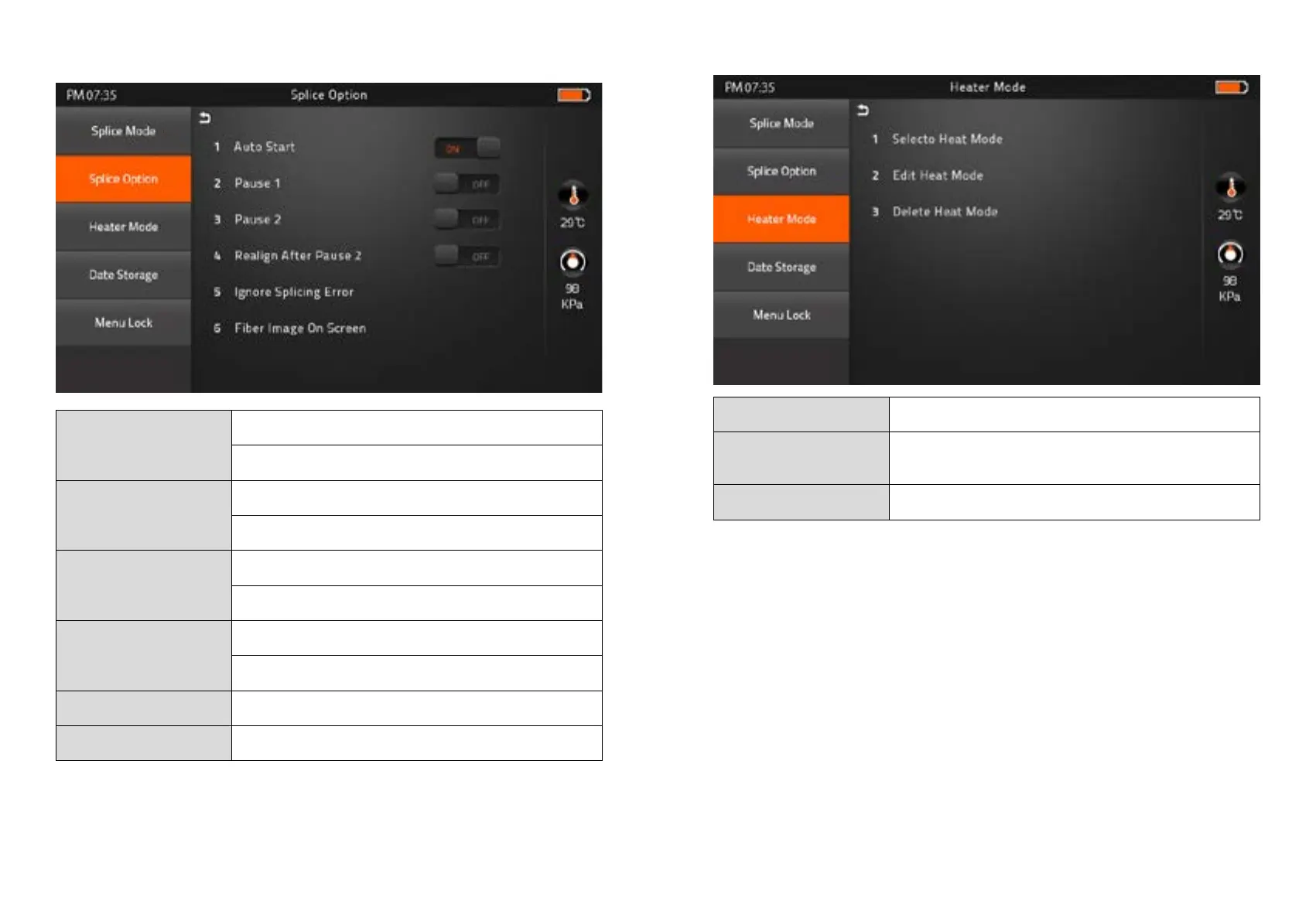
2) Splice Option
Auto Start
ON : Automatic splicing procedure
OFF : Maunal Splicing procedure
Pause 1
ON : Pause after the fiber gap position process
OFF : Proceeding without the pause
Pause 2
ON : Pause after camera focus & Axis alignment process
OFF : Proceeding without the pause
Realign After Pause 2
ON : Automatically proceed realignment
OFF : Proceeding without the pause
Ignore Splicing Error ‘splicng error’ message is not displayed
Fiber Image On Screen Select display structure for each splicing process
3) Heater Mode
Select Heater Mode Factory Pre-set : 9ea
Edit Heater Mode
User edit : 9ea
Custom build splice mode : 1ea
Delete Heater Mode -



 To Next Page