- 16 -
- 17 -
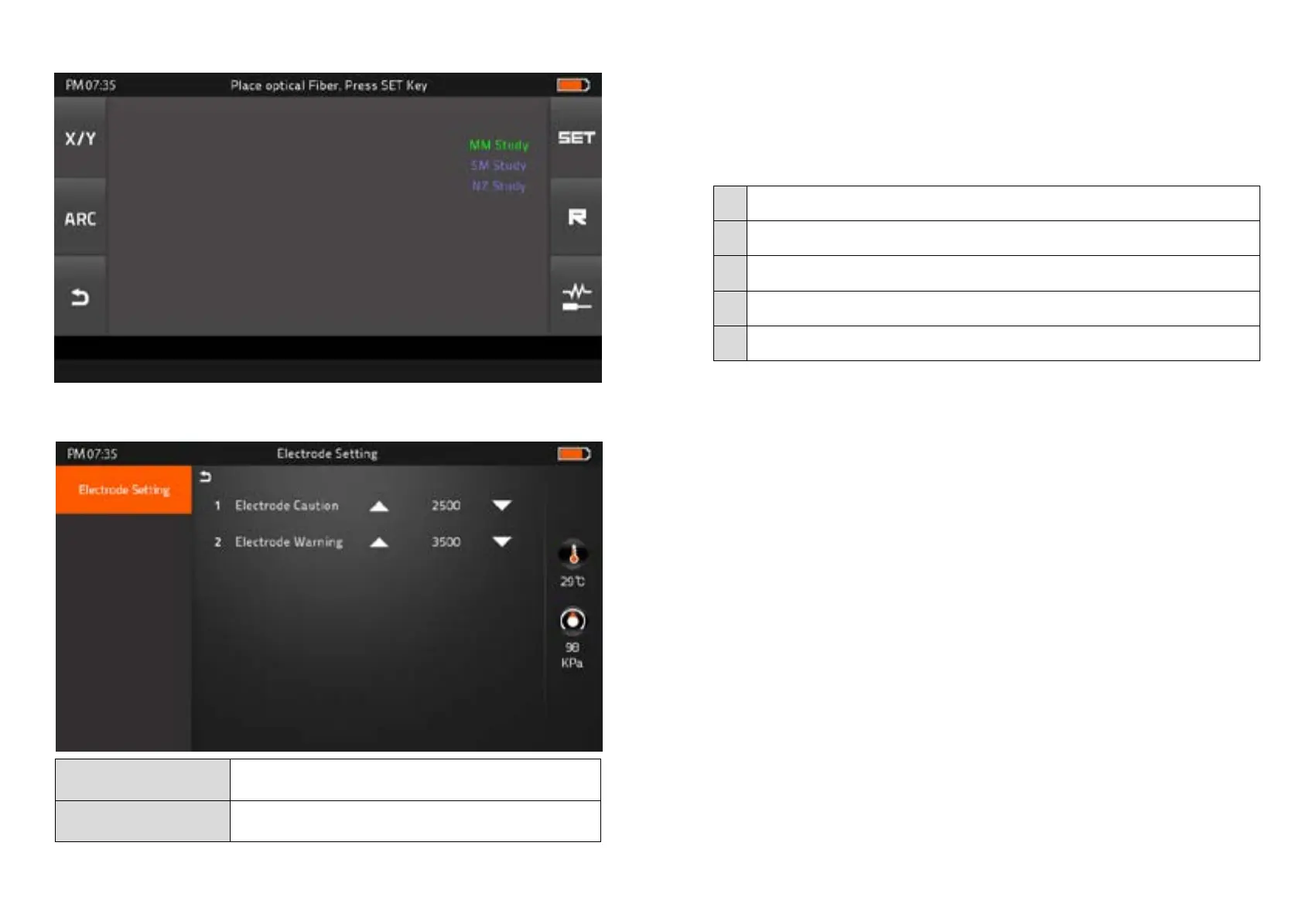
Automatic Fiber recognition program
▶ Electrode Setting
▶ Fiber Training
Electrode Caution
Caution alram will be displayed when it reachs the number of
splicing cycle you set
Electrode Warning
Caution alram will be displayed when it reachs the number of
splicing cycle you set
▶ Motor Drive
It checks the operation status of 6 motors (L, R Press, X, Y Focus, X, Y Align).
▶ Update Software
Upgrade to the latest version.
Procedure
1 Prepare the USB device.
2 Download the latest version software to the USB.
3 Link to the Splicer (Via link cable in the package).
4 Press “O’ Button to proceed update.
5 Device will be rebooted once it is done.


 To Next Page