2.0 USER INTERFACE
2-4 CyberCat 254/1016 Operation Manual UL S2203
Rev 6, 09/2015 P/N: 06-326-2 FM
2.1.4 NAVIGATION AND FUNCTION BUTTONS
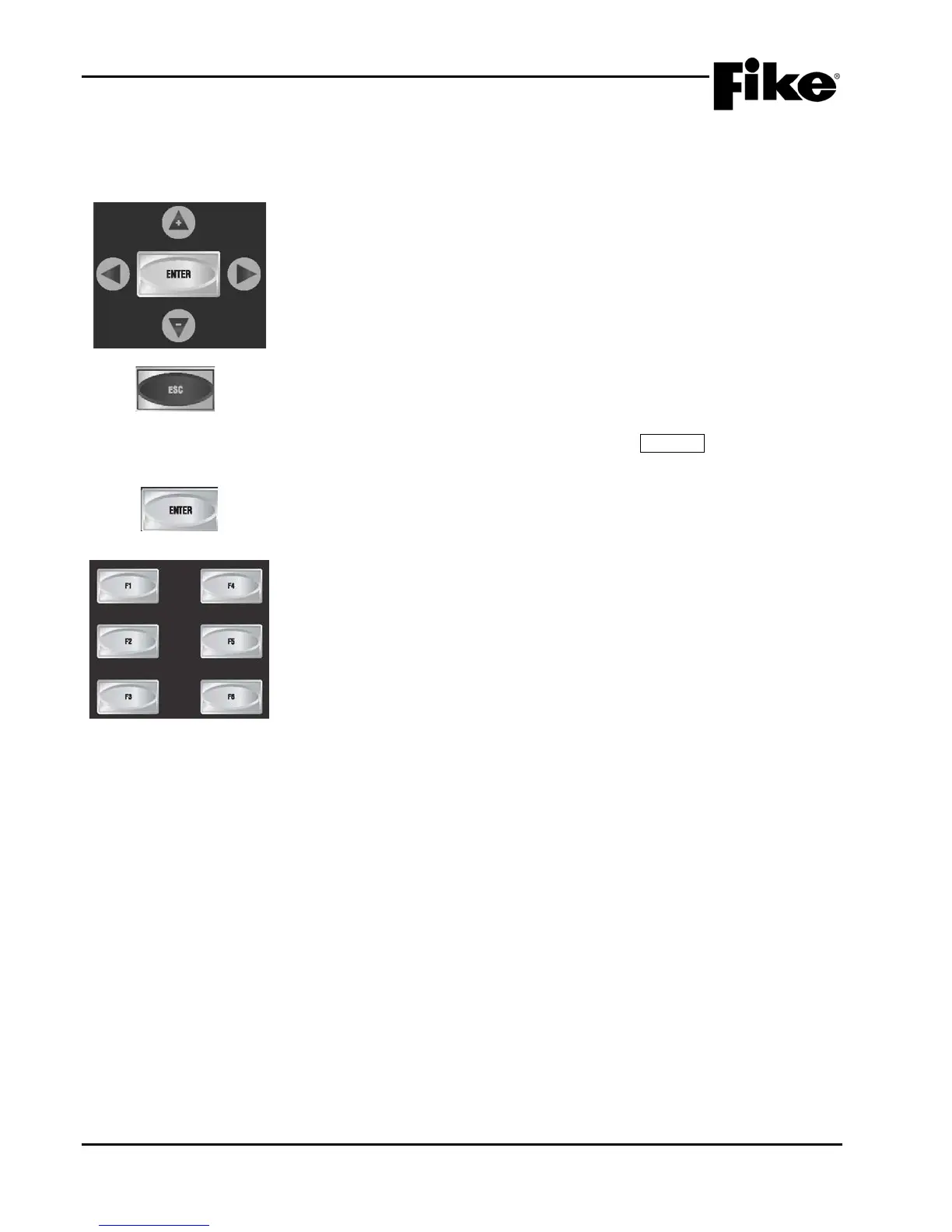
The navigation buttons on the main display are provided to allow you to easily navigate and change the
systems operational parameters. A brief functional description of each button is provided below:
The ◄► arrow buttons
are used to move about in the configuration displays.
The +/- buttons will increment or decrement the value at the cursor when in a
configuration display. They can also be used when cycling through the event
history. The Step Alarm button only cycles forward in events. These buttons
allow you to go forward and backward through the events.
Press this button to toggle from Off-
Normal Event display (if events are
present) to System Normal (no events preset) to Top Level Menu. If in a
menu, this button EXITS the current menu and returns to the previous menu
screen. If in the System Normal Menu, pressing ESCAPE takes you back to
ENTER
Saves and enters any system configuration settings.
FUNCTION BUTTONS
The function buttons are used to navigate the control panel’s menu system
during system operation, maintenance and configuration of the system.



 To Next Page