EasyManua.ls Logo

Fike Quadnet - Supervisor - Delay On;Off Function; Supervisor - Test Display Function; Supervisor - View Logs Function; Supervisor - Disable;Enable Function

Fike Quadnet
24 pages
Print Icon
To Next Page IconTo Next Page
To Previous Page IconTo Previous Page
Loading...
Quadnet / Duonet Repeater Panel User Guide
13
Access Level 2B (Supervisor): Controls Enabled LED flashing slowly
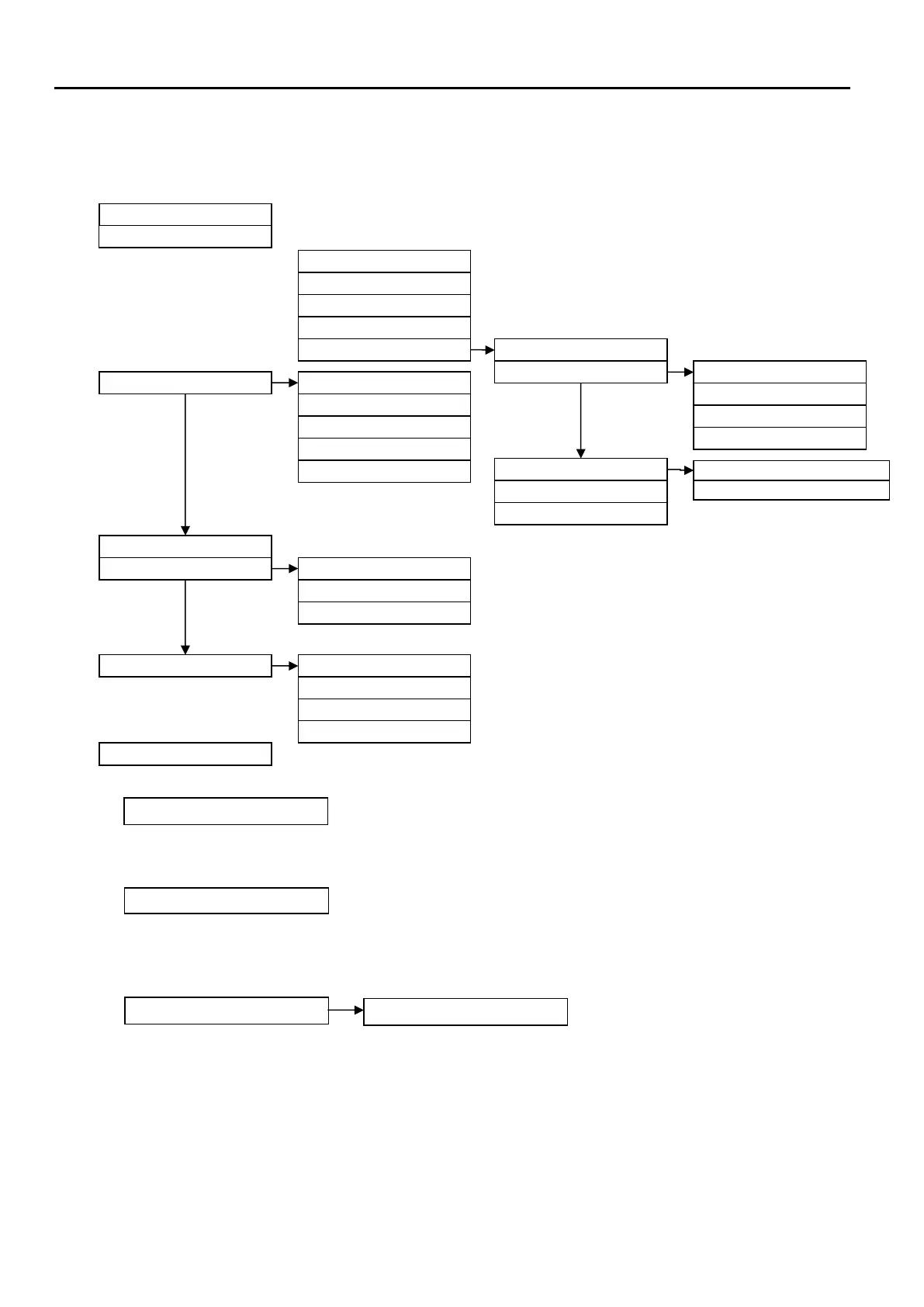
At Access Level 2B (Supervisor), the main Fire Alarm Controls are enabled, and the following
System Controls are accessible:
1. Delay On/Off
Not applicable.
.
2. Test Display
The Test Display function causes the panel LEDs to illuminate, the LCD screen to blacken
and the panel buzzer to sound in order to verify their correct operation.
3. View Logs 1. Current Warnings
The Active Warnings Log will display any current warnings. These are displayed in text format
and may be scrolled through by pressing the UP and DOWN keys.
1. Delay On / Off
2. Test Display
1. Current Warnings
3. By Device Type
4. By Loop No - Device No
1. All Events
2. By Event Type
1. User Action
2. Panel Event
3. Fire Event
4. Fault Event
1. Multipoint with sounder
2. Multipoint
5. By Date
2. Current Faults
3. Current Disablements
4. Current Tests
5. Event Logs
4. Disable / Enable
1. Detection Zone
2. Device
3. Sounders
4. Fire Outputs
5. Fault Outputs
5. Set Time & Date
6. Test Modes
7. Day / Night Mode
1. Silent Test
2. Local Audible Test
1. Override into Day Mode
2. Override into Night Mode
3. End all Overrides
3. System Test
4. View Day / Night settings
8. Find Device

Other manuals for Fike Quadnet

Related product manuals