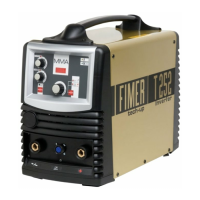
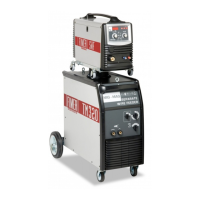
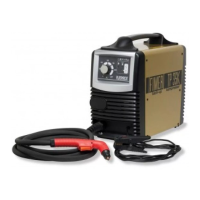
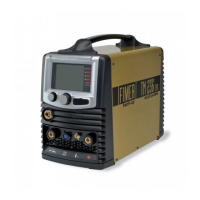
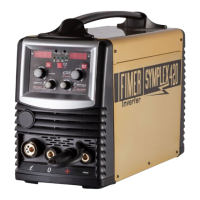
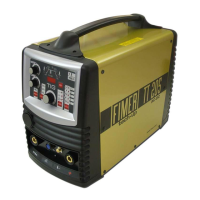
FIGURE 1:
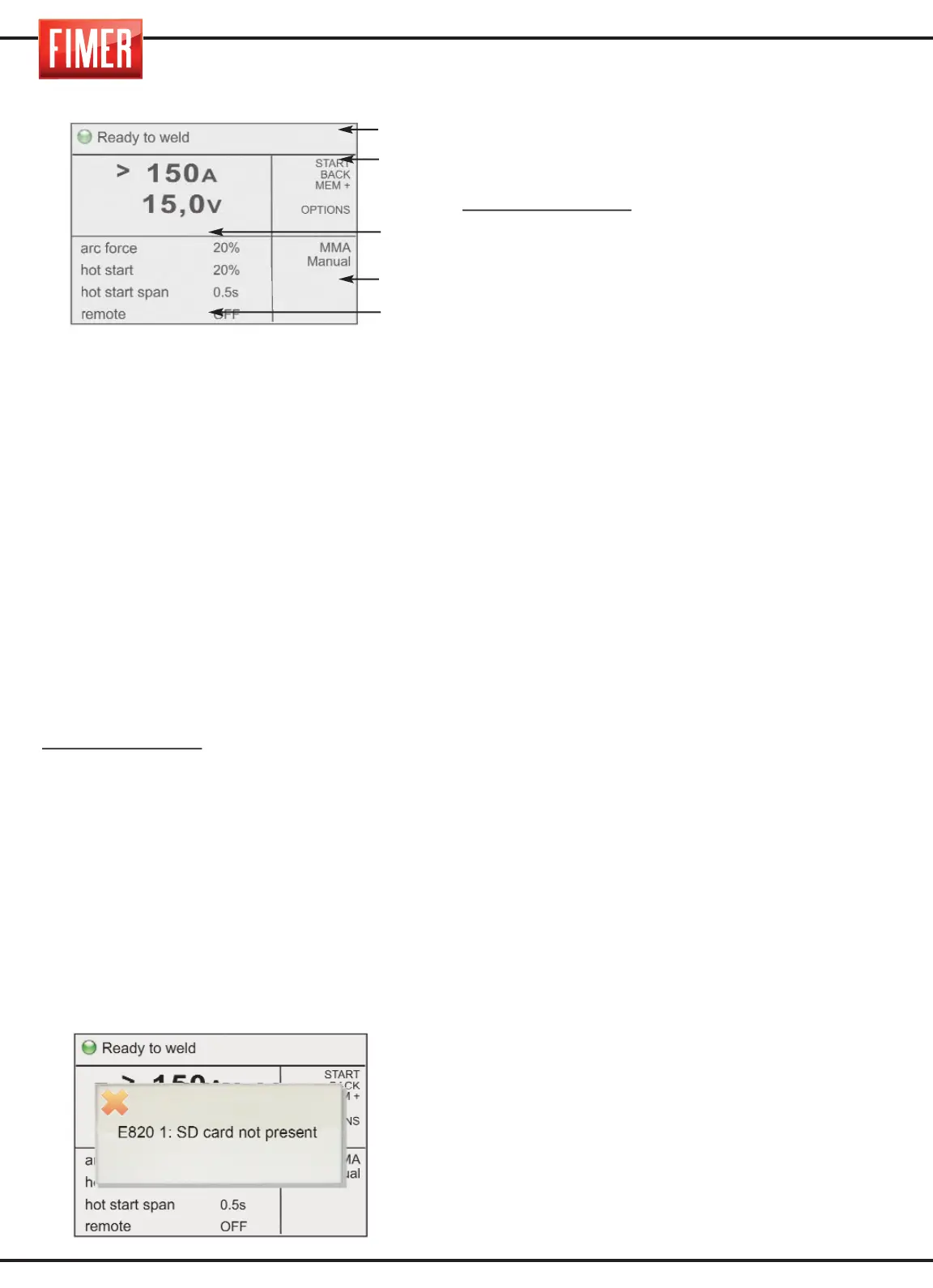
1. Graphic display:
The 5,7’’ colour screen displays different
screens, according to the welding mode or
settings. In weld mode the display is divided
into five principal:
Part 1: Machine status
Part 2: Meaning of the active buttons
(buttons 2, 3, 4, 5,6 di fig.1)
Part 3: Size values set
Part 4: Type of process selected
Part 5: Indicates the values that can be set
for the various welding settings (to change
the values select using switch 10 and
confirm the selection by pressing the same
switch; the value will be highlighted in a
contrasting colour. The values can be
changed by turning the switch, to confirm
the new value press the switch again. 10).
Highlighted value:
Indicates the parameter
that is being changed using switch 10.
DISPLAYS:
- When the screen comes on, the Fimer logo
will appear and the Firmware revisions will load.
CONTROL BUTTONS:
(2, 3, 4, 5,6 in fig.1)
Each control button is associated with a
specific function shown on the display.
7. SD slot: this slot, covered with a rubber
cap, contains the SD-Card provided with the
machine; without the card, the machine will
be inactive and a warning message will
appear on the screen.
8. USB port: for technical assistance only.
9. Switch for adjusting the principal
welding settings: This switch is used to
set the principal welding parameters:
MMA/TIG Welding;
set the welding current
11. H²O in: to be used only with liquid coo-
ling torches.
12. H²O out: to be used only with liquid coo-
ling torches.
13. Connector for remote control of the current.
14. Front inlet “+”: hold positive.
MMA Mode: Electrode holder
15. EUROCONNECTOR (SEPARATED
TROLLEY): quick connector for welding torch.
This connector is used to supply welding
gas to the torch, the electrical contacts of the
torch button and the welding current.
16. ON-OFF SWITCH: turns the machine on
and off.
KING 510 machine is equipped by
hydromagnetic for this purpose, as showed in
fig. 16a.
17. Front inlet “-”: hold negative
MMA Mode: Ground clamp
TIG Mode: TIG Torch
MIG Mode with gaz: Ground clamp
MIG Mode without gaz: Ground clamp
18. Front inlet “+”: hold positive.
Modalità MMA: Electrode holder
Modalità TIG: Ground clamp
MIG Mode with gaz Not used
MIG Mode without gaz: Not used
19. TIG gas Outlet
20. MIG signal connector: Connection of
the signals to the push-pull torch
21. Filling cap of the cooling liquid
(Optional) (Cooling unit)
22. H²O in: To be used only with liquid coo-
ling torches.
23. AIR GRILL
24. ON-OFF switch and light of the con-
trol unit (Option): This lights up when the
cooling system is fed.
Parte 1
Parte 2
Parte 3
Parte 4
Parte 5
6



 To Next Page