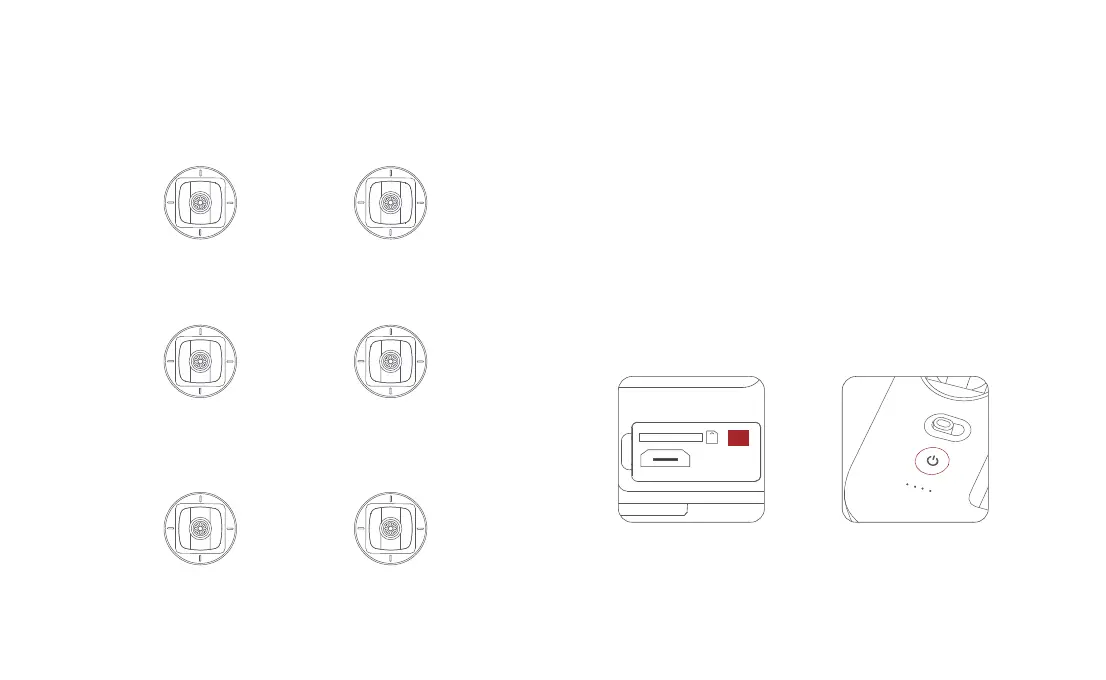
Remote Controller Pairing
When a new remote controller or drone is replaced, please pair the remote
controller and the drone again as shown below:
•
Turn on the drone
• Turn on the RC, long press the power button 15 seconds until hearing
constant beep sound,and the power button red light flashes
• Short press the code pairing button on the drone , the yellow light on the drone
goes out
• The code pairing succeeds when the power button on the RC turns white
and the yellow light on the drone keeps on
29
Sticks Control
Mode 1
Mode 2
Forward
Backward
Up
Down
Counter-
clockwise
Clockwise Left
Right
Left stick Right stick
Up
Down
Forward
Backward
Counter-
clockwise
Clockwise Left
Right
Left stick Right stick
Mode 3
Forward
Backward
Up
Down
Counter-
clockwise
Clockwise
Left stick Right stick
Left
Right



 To Next Page