35
38
Battery Maintenance
Do not throw the battery into fire; Do not batter the battery;
Lithium battery's capacity reduces significantly in low temperature
conditions. Do not use the battery when it is below 5 degrees.
Do not place the battery under the burning sun.
Gimbal Maintenance
The gimbal of the FIMI X8 Pro is an integrated unit and does not
require disassembly. When storing the aircraft, please be careful
not to scratch or collide with the camera, and pay attention to
keeping the camera clean.
Drone Self-check
The drone enters the self-check when the drone is powered
on. If the self-check failed, App will pop up corresponding
hints.
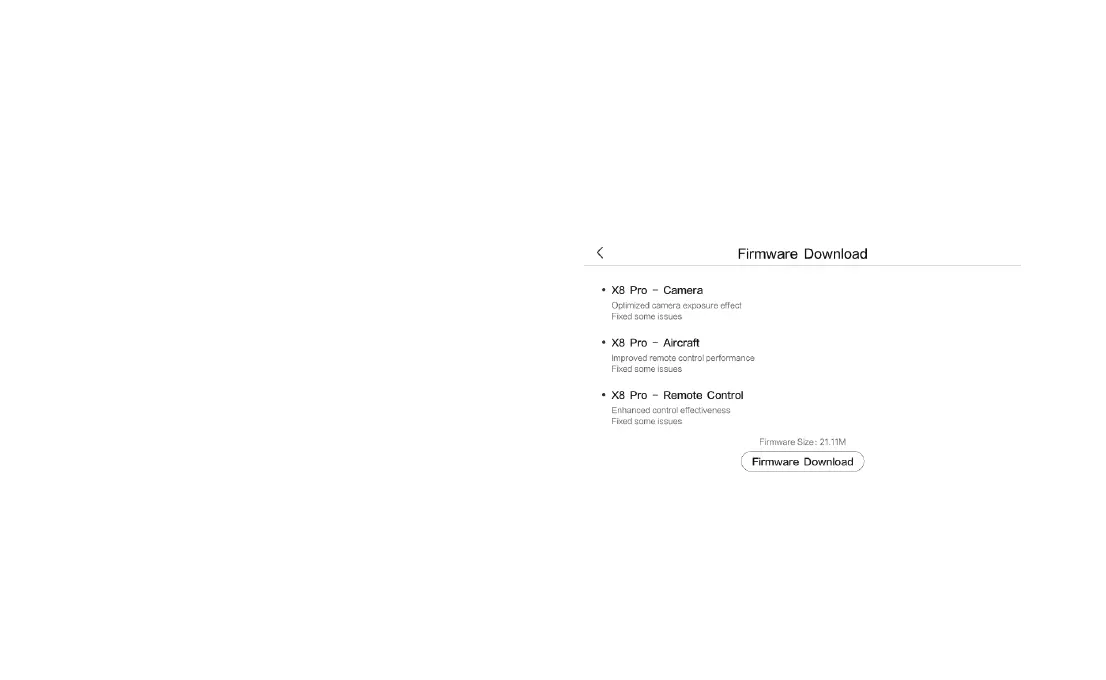
Firmware Upgrade
1. Turn on the drone and the remote controller, and connect the drone
to the remote controller. Run the Fimi Navi 3.0 App.Follow the prompts
in the Fimi Navi 3.0 App to download the firmware. Internet connection
is required during the firmware download.
Propellers Maintenance
Propellers are wearing parts. When they're damaged, replace
them in time to ensure flight safety and efficiency.



 To Next Page