36
39
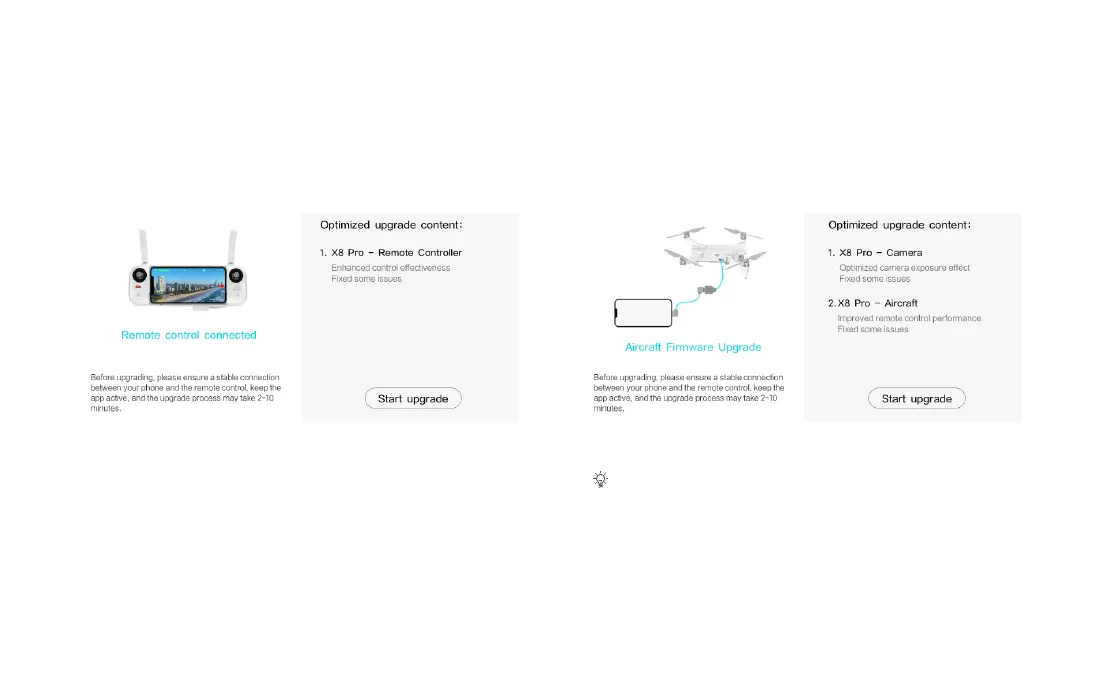
2. Once the firmware download is complete, the Fimi Navi App will
prompt for the upgrade.
3. When upgrading the remote controller, simply connect it using a
USB cable.
4. When upgrading the drone, use the provided OTG cable to connect
one end of the USB cable to your phone and the other end to the drone.
• For phones with different interfaces, please use the corresponding USB connection cable.



 To Next Page