40
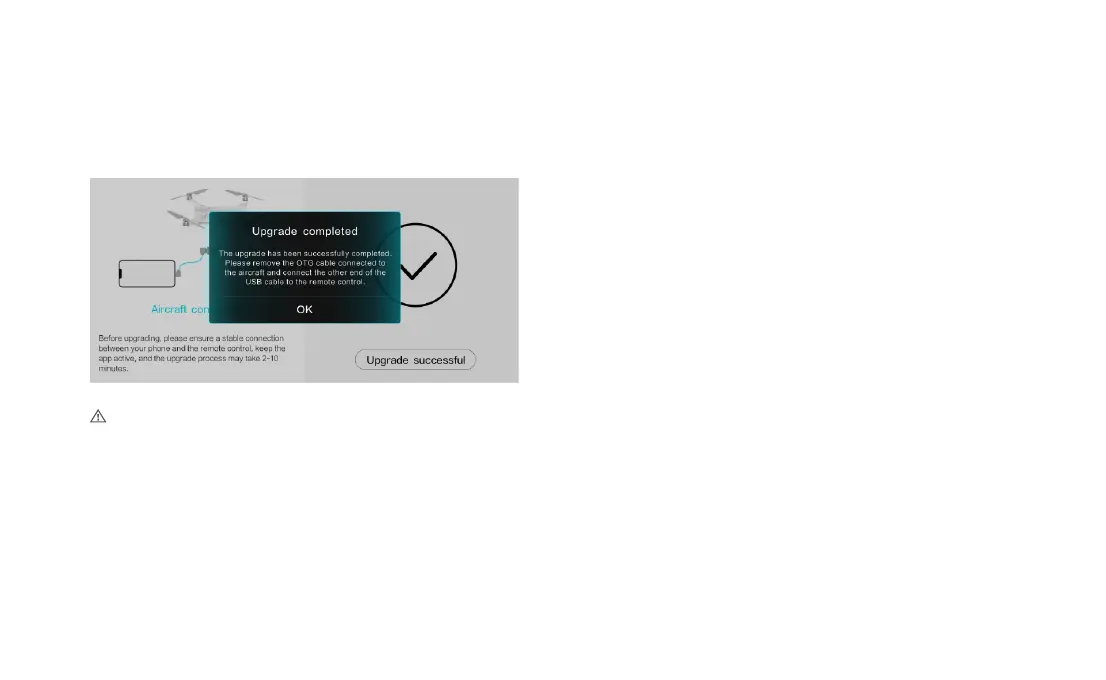
5. After the upgrade is complete, disconnect the data cable connected
to the drone, and use a USB cable to connect the remote controller
and the mobile phone..
• Make sure to follow the firmware upgrade steps, otherwise, it may result in a failed upgrade.
• The entire upgrade process will take approximately 10 minutes.
• During the upgrade process, the drone may experience the following conditions: gimbal
power loss, abnormal flashing of status indicators, or self-restart of the drone. These
are all normal phenomena. Please wait patiently for the firmware upgrade to complete.
• Ensure that your personal computer has internet access throughout the entire upgrade
process.
• Make sure the drone has a battery level of at least 50% and the remote controller has a
battery level of at least 40% before upgrading.
• Do not plug or unplug the USB data cable during the upgrade process.



 To Next Page