28
CHANGING AND SELECTING SEED MIX SETTINGS
To access the DIAGNOSTICS menu screen, press on the button labeled Diag., located on the
bottom-right of the MAIN menu screen (see Figure 7).
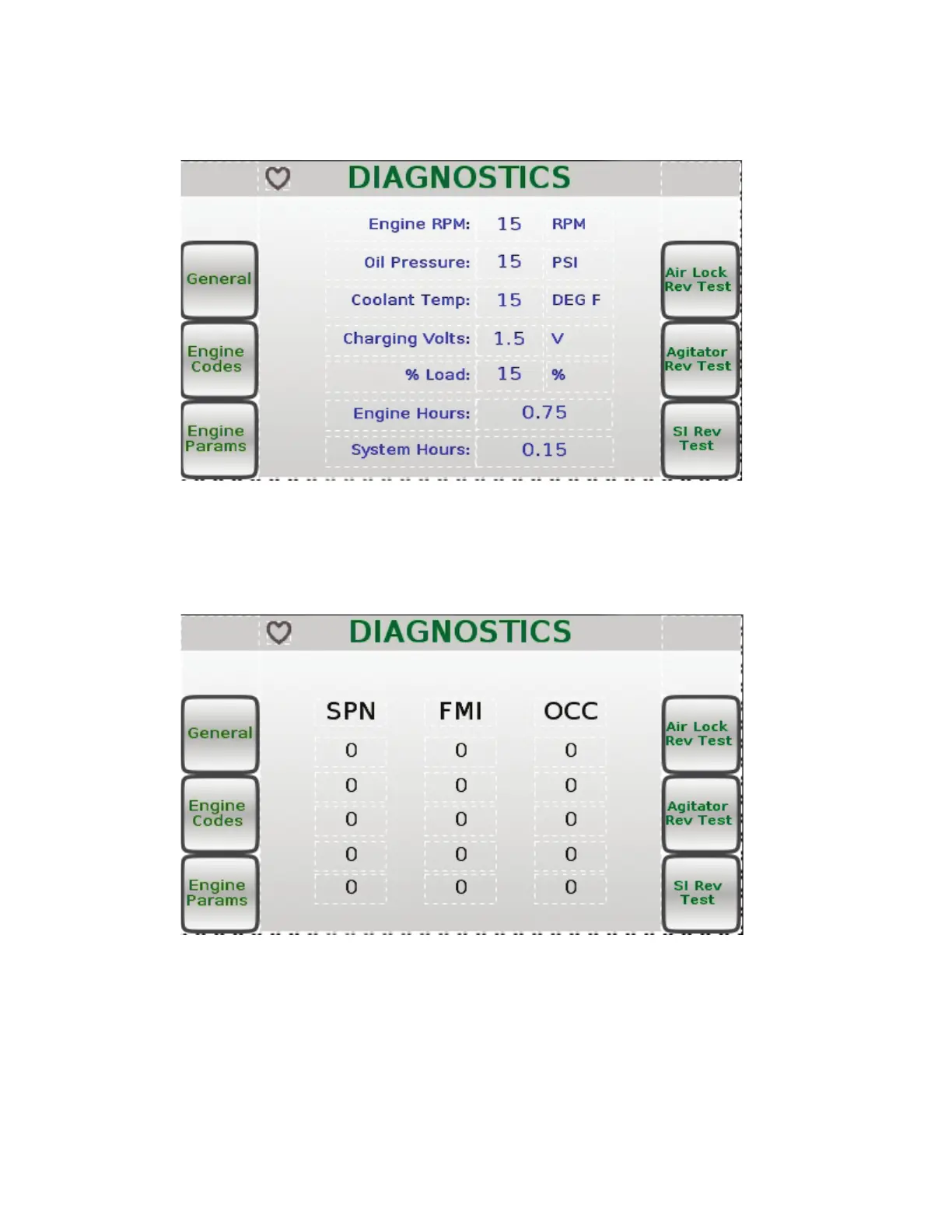
The DIAGNOSTICS menu screen displays engine information read from the engine’s ECU (see
Figure 12). By pressing the Engine Codes button on the left side of the DIAGNOSTICS menu
screen, you can access the Engine Codes DIAGNOSTICS menu (see Figure 13).
The Engine Code DIAGNOSTICS menu screen displays engine code information (see Figure 13).
To return to the main DIAGNOSTICS menu screen, press the Esc button on the Main Control
Panel
Figure 12
Figure 13



 To Next Page