Page 45
Settings
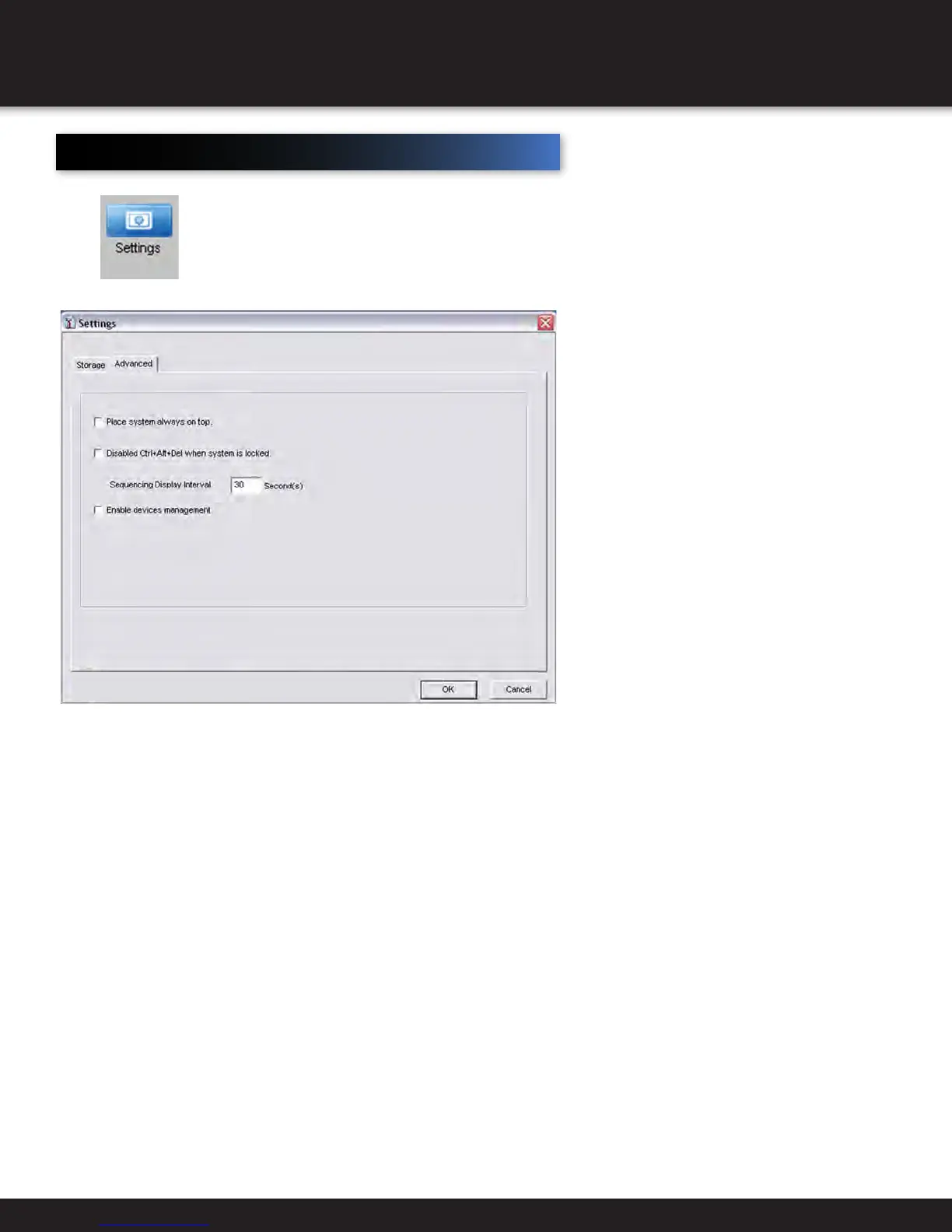
Select to adjust specific settings for your Smartbridge DVR. (See recording external for Storage
Tab information) Select the Advanced Tab.
Check the Place system always on top box to place the Smartbridge
on top of all other software within the operating system.
Check the Disabled Ctrl-Alt-Del when system is locked box to disable the use of Ctrl-Alt-
Del when you lock the system. To lock the system, see Advanced Settings section.
Check the Enable devices management to enable the devices management tool. This will allow the Set
Remotely feature to be enabled when you right click on a source screen and select Set Remotely.
REMOTE ACCESS
SETTINGS


 To Next Page