EasyManua.ls Logo

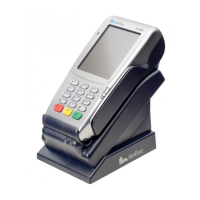
First Data VeriFone VX 680 - Bluetooth Configuration; Initiating Bluetooth Discovery; Activating Bluetooth Base Connection

First Data VeriFone VX 680
15 pages
Print Icon
To Next Page IconTo Next Page
To Previous Page IconTo Previous Page
Loading...
11
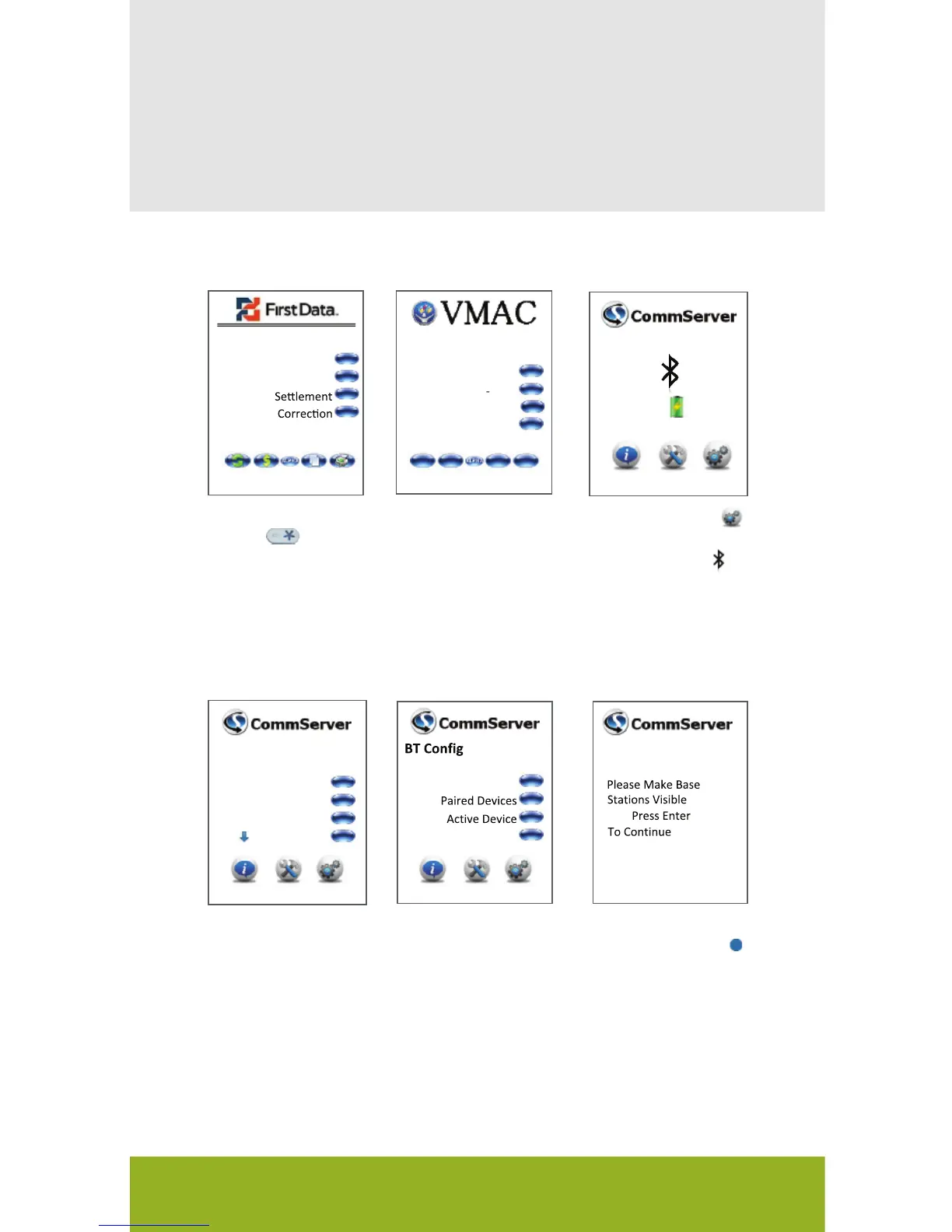
Bluetooth Configuration
3
Purchase
Refund
HH:MM
CommServer
SOFTPAY FDCC
Bluetooth
4
Press Bluetooth
5
Press Search
6
7
BT Config
Bluetooth
IP
Diag
Download
Search
Config
And
Star key on
the device
Press the Asterisk/
21 Press CommServer
Press the Gears
icon.
Push the Blue
Bluetooth button
on the back of the
base.
You will need to follow the steps listed below to allow the
VX 680 terminal to discover, pair and activate the VX 680
Bluetooth base.
The black icon
indicates that
Bluetooth is not
currently active.
The VX 680 will
attempt to discover
the VX 680
Bluetooth base.
You will see a Blue
light begin to flash
on the base.
Press OK on the
VX 680 terminal.
VX 680 Short Range Wireless Quick Setup Guide

Related product manuals