13
Press ‘NEXT’ button to set cycle #2 duration.
Display and Operation – Installer Settings – Cycles (continued)
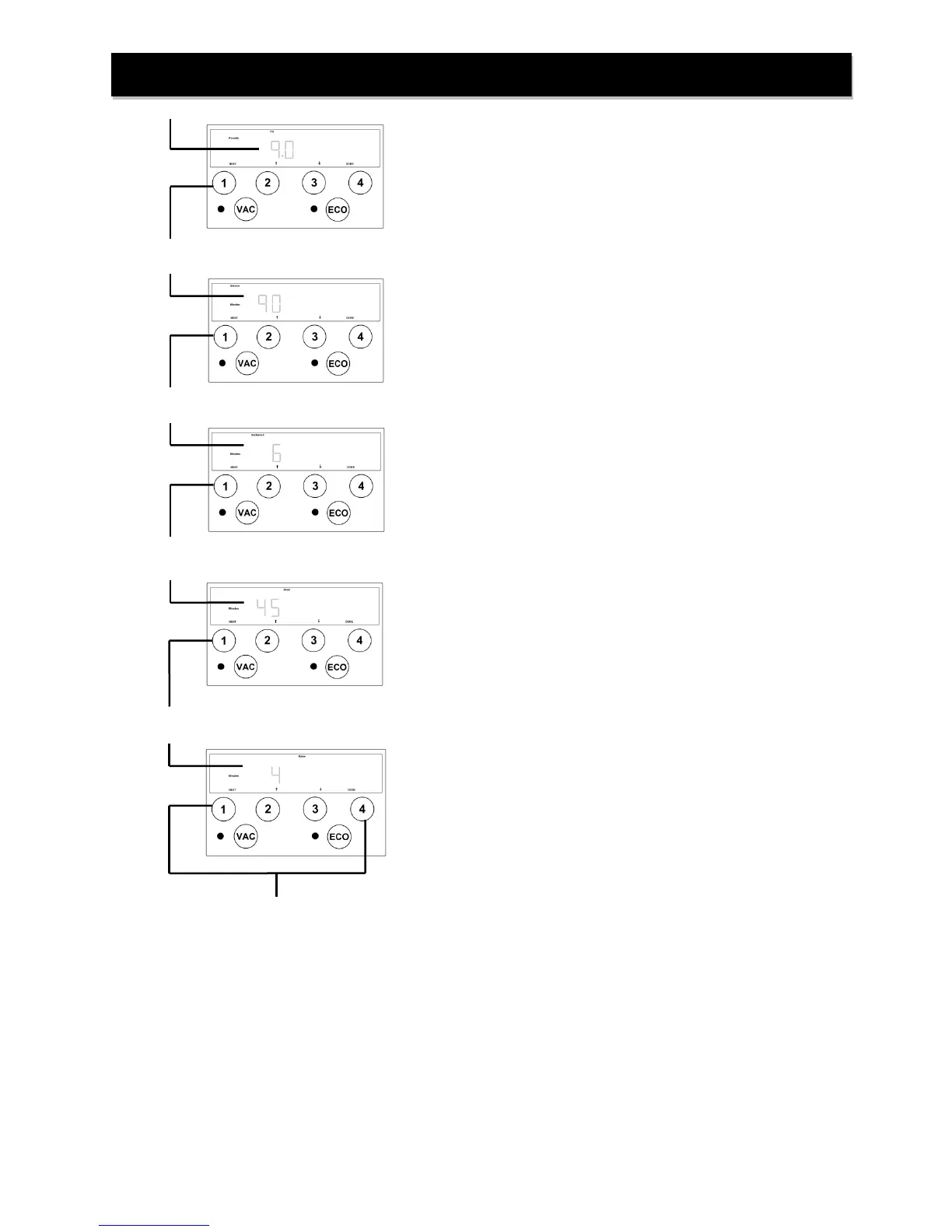
Ensure the Pounds and Fill indicators are illuminated. Using ‘↑’
and ‘↓’, set the desired amount of salt to be used during the
regeneration cycle.
Ensure the Service and Minutes indicators are illuminated. Using ‘↑’
and ‘↓’, set the desired length of time to allow fresh water in
brine tank to dissolve salt to make saturated brine.
NOTE: Minimum recommended time is 90 minutes.
Press ‘NEXT’ button to set cycle #3 duration.
Ensure the Backwash and Minutes indicators are illuminated. Using
‘↑’ and ‘↓’, set the desired length of time for BACKWASH
cycle
Press ‘NEXT’ button to set cycle #4 duration.
Ensure the Draw and Minutes indicators are illuminated. Using
‘↑’ and ‘↓’, set the desired length of time for BRINE DRAW
cycle.
Press ‘NEXT’ button to set cycle #5 duration.
Ensure the Rinse and Minutes indicators are illuminated. Using
‘↑’ and ‘↓’, set the desired length of time for RINSE cycle.
After all cycles have been set press either ‘NEXT’ or ‘DONE’
button to return to Home Screen.


 To Next Page