14
Once activated, the vacation mode will prevent the water softener from regenerating. This may be
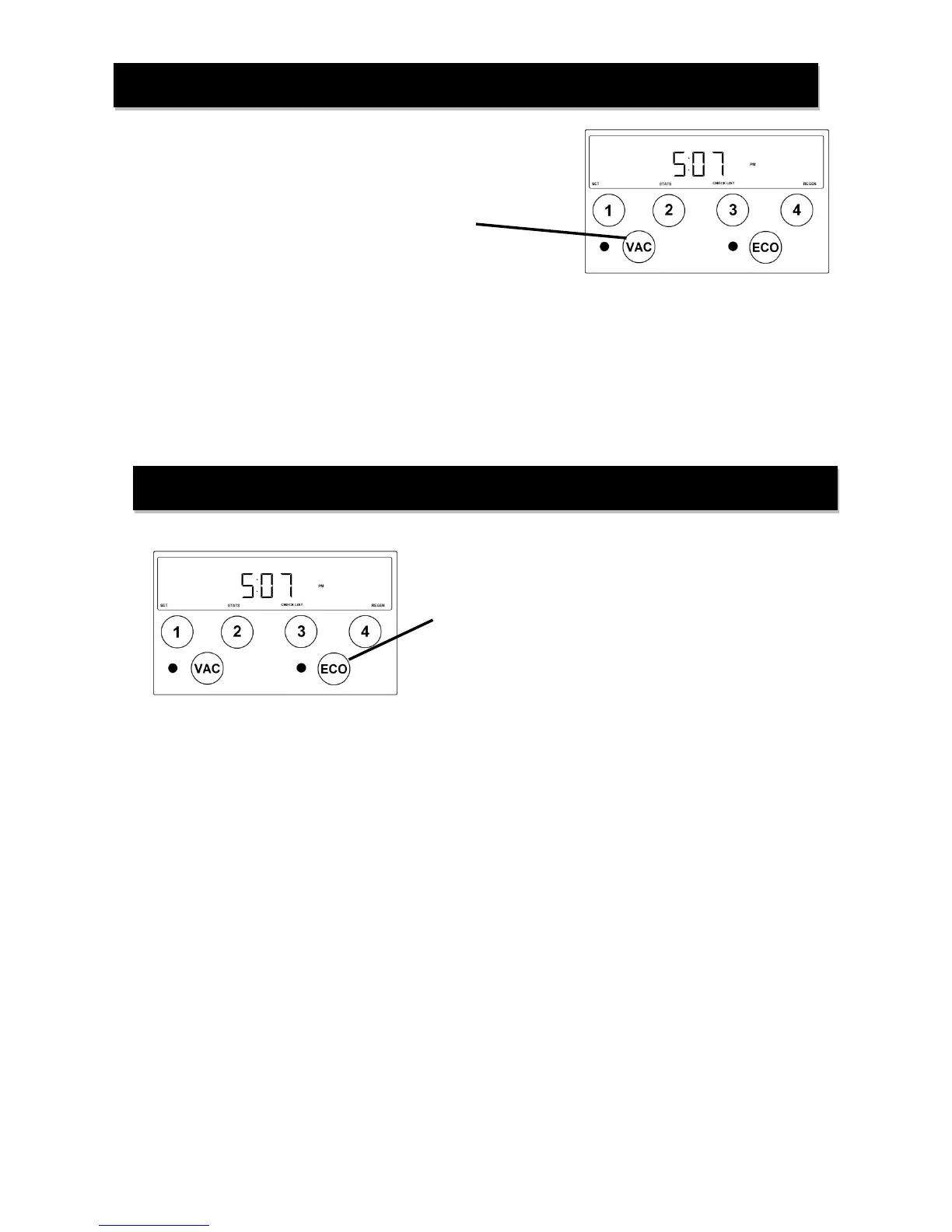
used if the house will not be occupied for an extended period of time. The vacation mode is initiated by pressing
the VAC button on the front panel. There will be a 30 minute delay from the time the button is pressed until the
vacation mode is active to allow time for last minute water use.
The vacation mode will automatically deactivate once the water softener detects normal water use.
The revolutionary ECO mode is a forward-looking feature that uses water usage history and a process
called proportional brining to ensure adequate softening capacity for future estimated water use. The water
softener stores historical daily water use data. If the next day’s anticipated water use requires more softening
capacity than is currently available, the softener will initiate a regeneration process using a fractional portion of
the programmed salt setting. This partial salt regeneration recovers only the depleted portion of the softening
capacity. This proportional regeneration will save in both salt consumption and water use by using lower salt
settings and fewer regeneration cycles.
The VACATION mode may be activated or deactivated by
pressing the VAC button on the front panel. The red LED
light will be illuminated when the vacation mode is
activated.
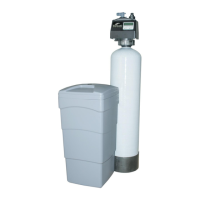
The ECO mode may be activated or deactivated by
pressing the ECO button on the front panel. The green
LED light will be illuminated when the ECO mode is
activated.


 To Next Page