DC50 Digital Dispenser Operating Manual
© 2020 Fisnar - 14 - DC50 Rev 02
DISPENSE MODES
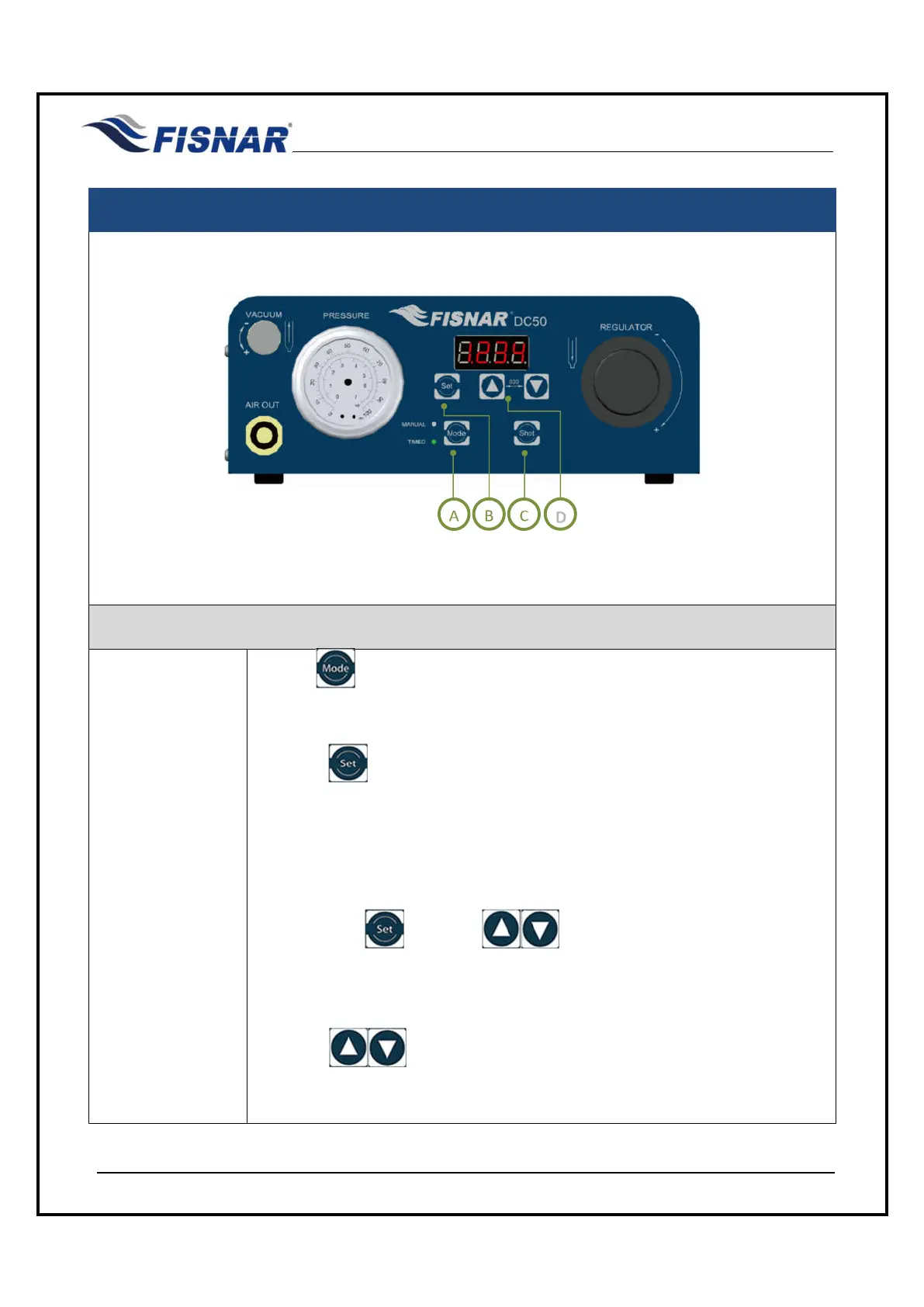
FIG. 8: Dispense Modes
TIMED MODE
1.
Use the button to switch to TIMED mode.
TIMED mode allows the operator to dispense for a set period, regardless of
how long the foot pedal is pressed.
Press the button to change the current display time. Note that a dispense
time can only be set when in TIMED mode.
If the dispense time is being set for the first time the first digit on the left side of
the display will start flashing, or else the last digit position changed previously
will start flashing.
Note that if the button or buttons are not pressed again within
2.5 seconds, the digits will stop flashing and the dispense time showing on the
display will be automatically saved.
Press the buttons to adjust the value (0-9). The digit that is flashing
in the display screen is the one that will be adjusted.



 To Next Page