DC50 Digital Dispenser Operating Manual
© 2020 Fisnar - 16 - DC50 Rev 02
NOTES
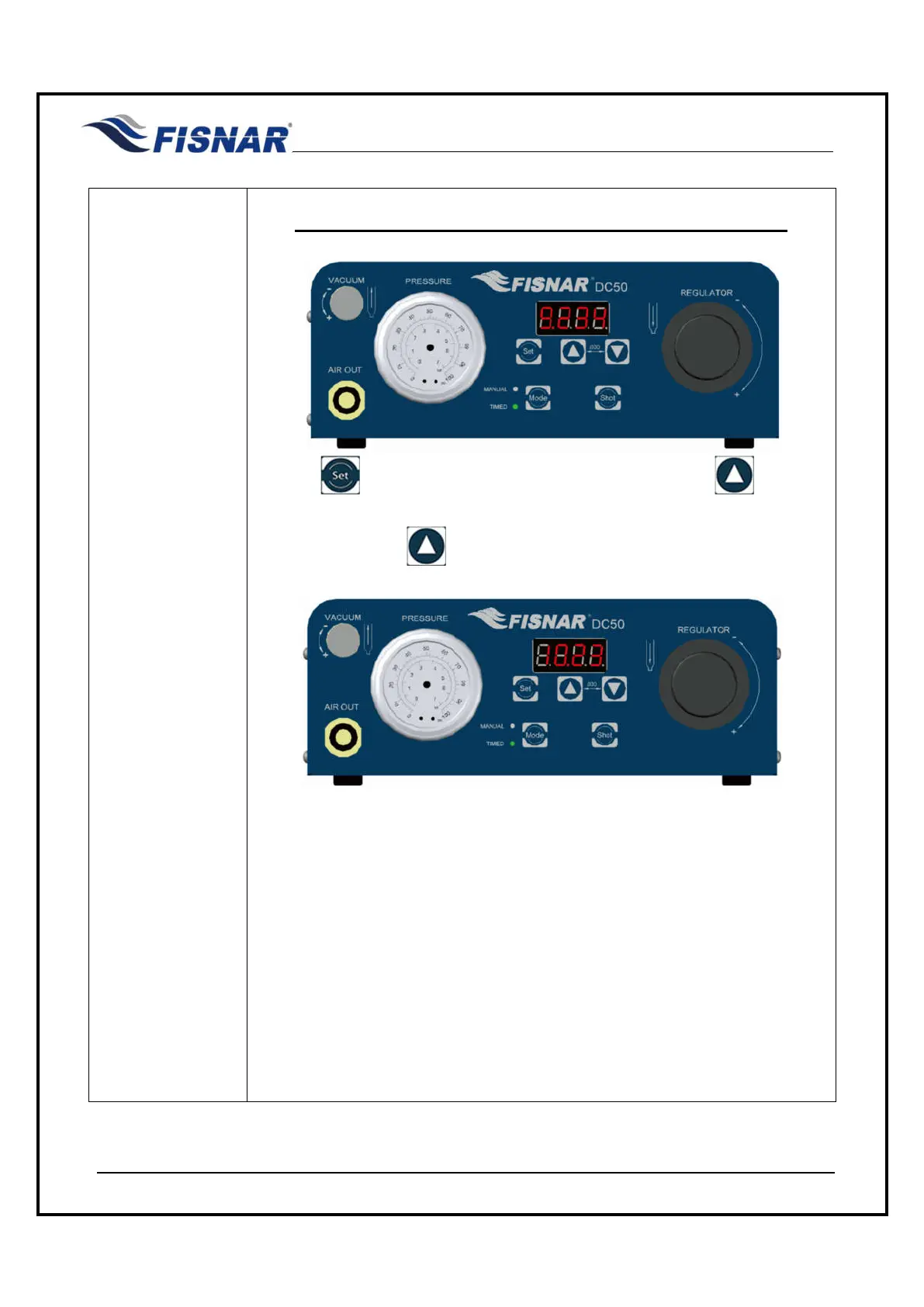
SETTING A DISPENSE TIME GREATER THAN 9.999 SECONDS.
Use the button to scroll to the first digit position. use button to
increase the numerical value upwards. Once the numerical value “9” is
displayed, press the button again.
The first digital numerical value will change to “1”, the second digit numerical
value will change to “0” and the decimal point “.” will automatically move from
being displayed after the first digit position to after the second position.
The numerical value that was originally in the second digit position will move to
the third digit position, and the numerical value that was originally in the third
digit position will move to the fourth (last) digit position.
The numerical value that was originally in the fourth digit position will now not
be shown and be disregarded.



 To Next Page