1
Getting Started
What’s included
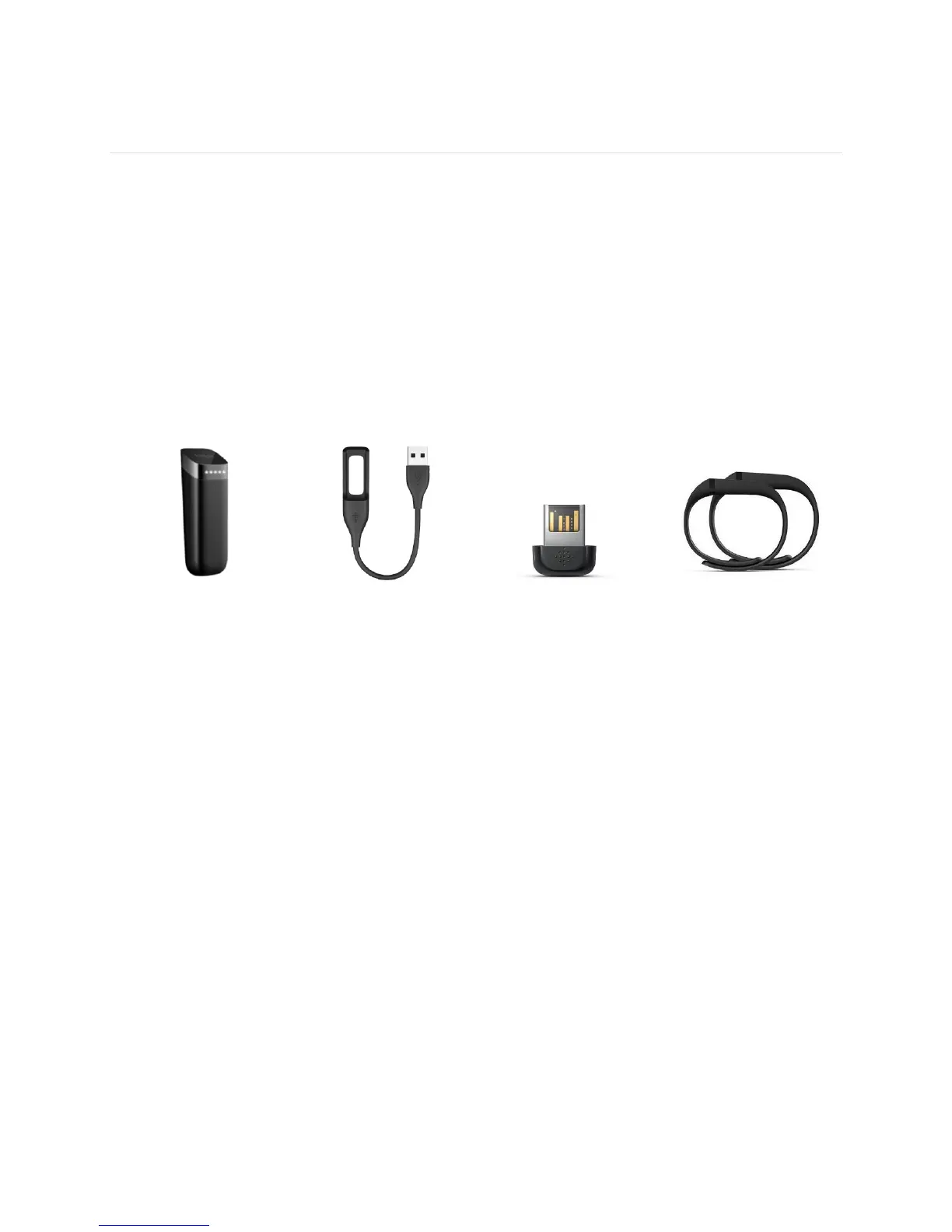
Your Fitbit Flex Wireless Activity + Sleep Wristband box includes:
Flex tracker
Charging cable
Wireless sync dongle
1 small and 1 large wristband
How to put your Flex on
Choosing your wristband
Your Flex comes with a large and a small wristband. Choose the wristband that fits
most comfortably on your wrist.
If you choose the small wristband, please note you’ll need to remove the clasp from
the large wristband and put it into the small wristband.
Removing the clasp
Push the clasp out with one thumb from the inside of the wristband, then pull out the
clasp.









 To Next Page