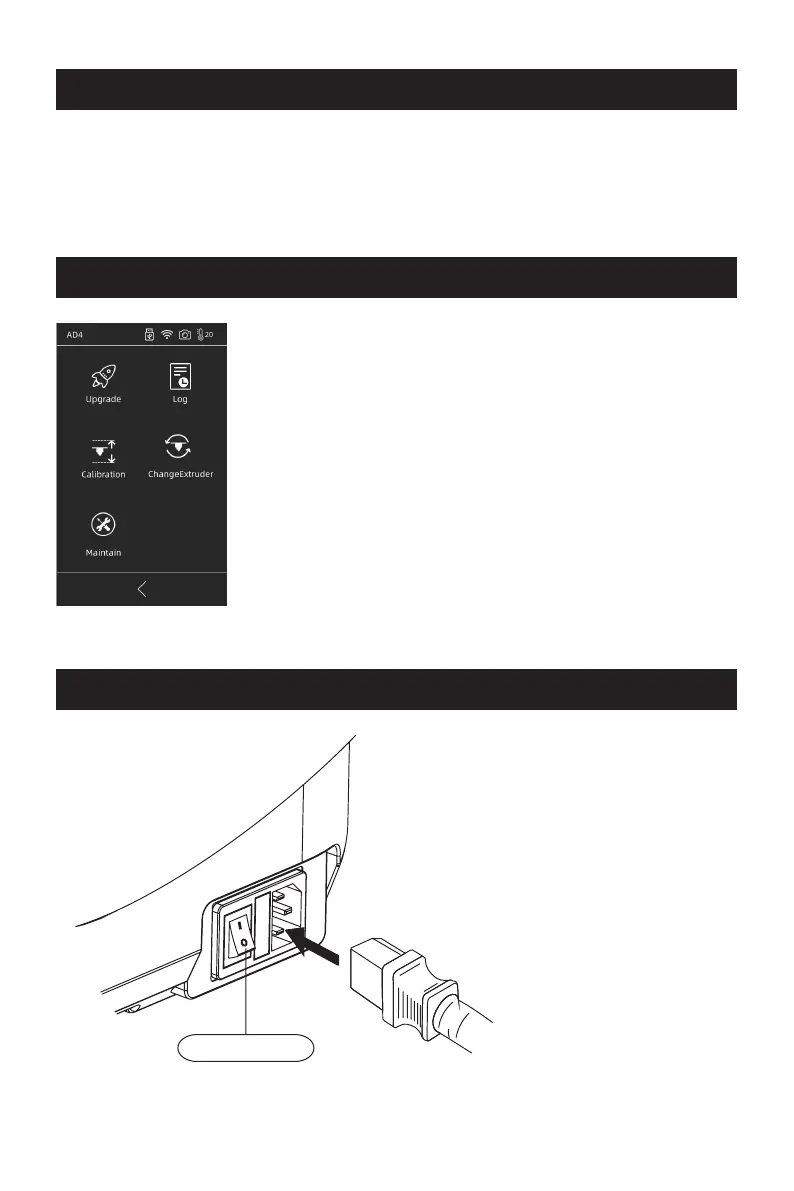
The equipment has been leveled and calibrated before
delivery, but due to transportation or other influences,
the distance between nozzle and platform may change.
It is recommended to conduct [Calibration] after
unpacking.
This step is optional, please refer to the interface
function introduction before operation.
Find the FlashPrint installation package in the USB disk and select the version
corresponding to your system to install.
Or you can download it from https://www.flashforge.com/download-center.
Software Installation
Preparation of Device
1.Connect to power.
Connect cable to printer;
turn on the switch, the
screen lights up.
Power Switch
Print
03















 To Next Page