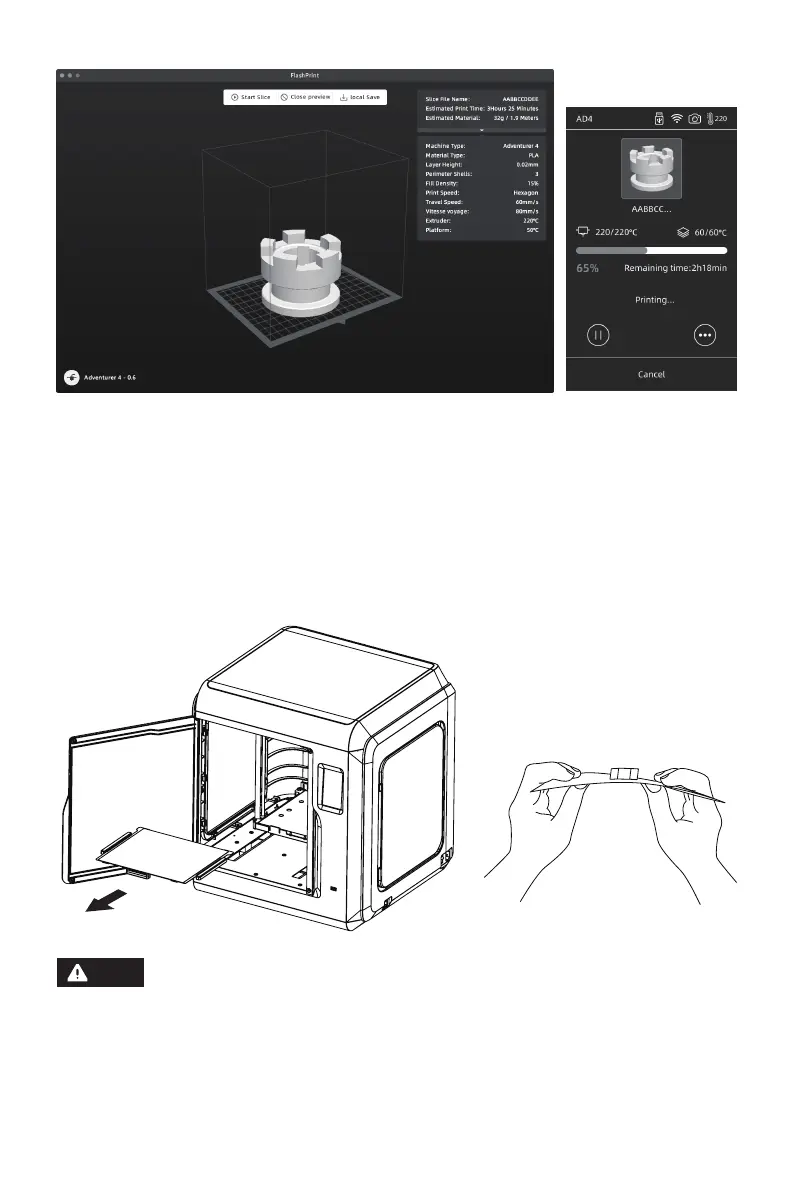
Import stl or obj file into the slicer; after slicing, the printer will heat up and start
printing automatically.
Method 2: USB Device
Files can be read in USB disk. Insert USB disk and select the files to print.
4.Model Removal
Take out the removable build plate, and bend the plate to get the model.
Nozzle and build plate are still hot after finishing printing, please wait for them to
cool down before you operate.
It is recommended to take the plate to the outside of the equipment for model
removal, otherwise the model debris will remain in the equipment. Please keep
the inside of the printer clean.
Note
05















 To Next Page