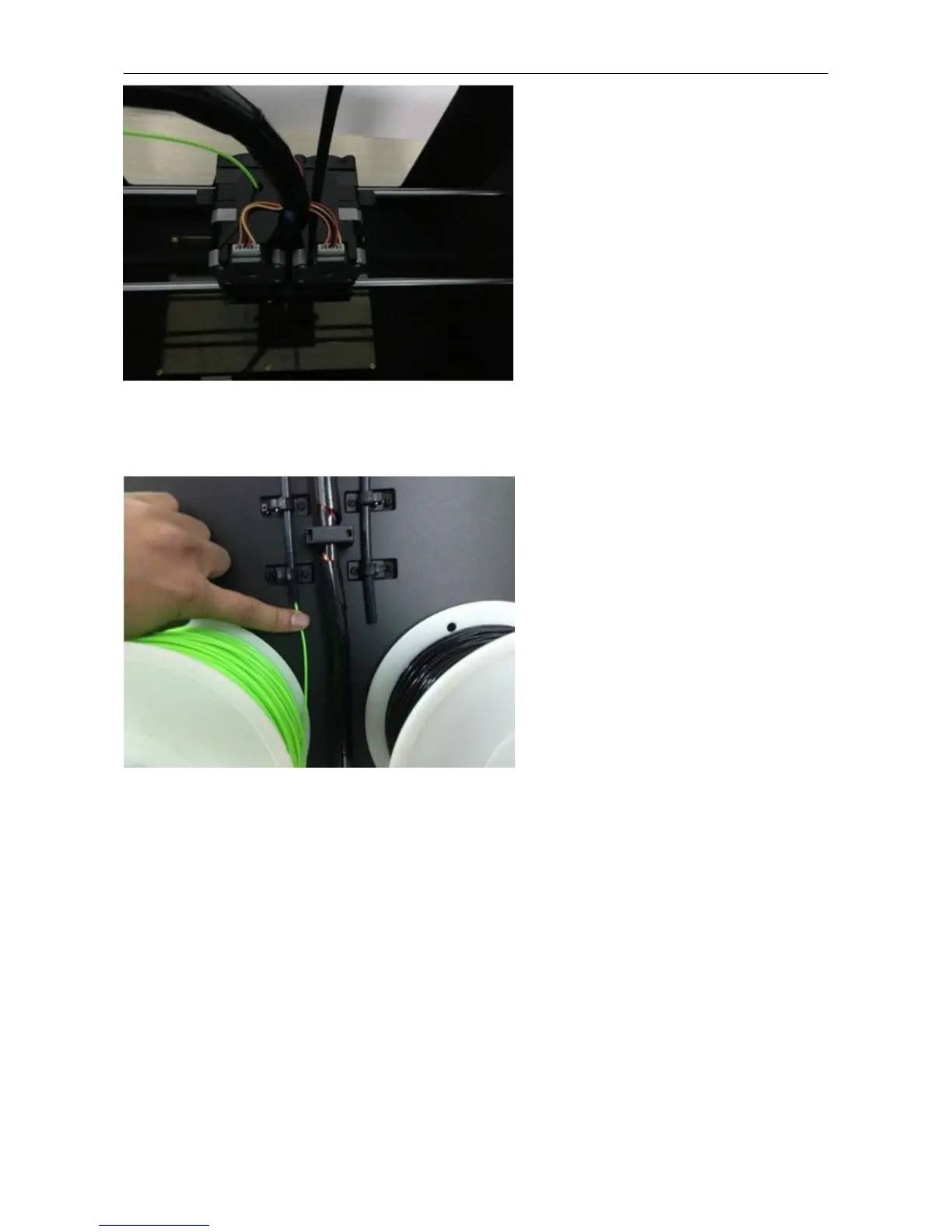
When you have removed the guide tube you can remove the filament that is inside the guide tube. To avoid any
blockages during printing, please ensure that the two threads are loaded from the middle. There are two wire trays,
one runs clockwise and the other one runs counter - clockwise, as shown below:
There are two ways of feeding the filament into the extruder head, one is using the LCD screen on the printer itself and
the other is by using the control panel on the Replicator G software.
6.2 Feeding the Filament Using the LCD Screen
1. Turn on the Creator Pro; the display will indicate:
▶ Print from SD
Preheat
Utilities















 To Next Page