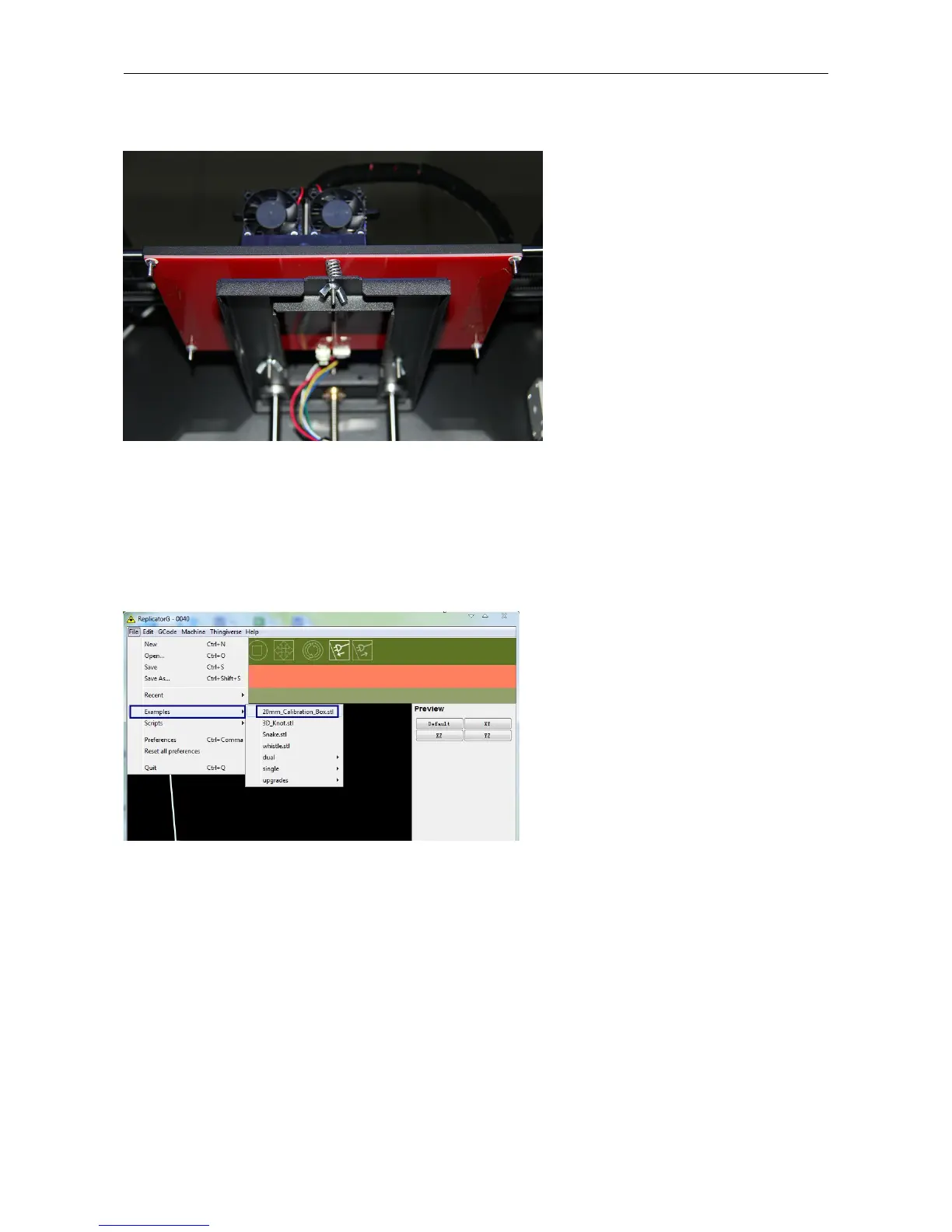
need to click OK, the extruder will move to next point.
Attention please: when the 2 knobs level finished, you only need to click Print Another Copy, then the extruder
will continue to the third point, four points can be level finished
Now, let’s start the initial print. Click File > Examples and then select the 20mm_Calibration_Box.stl. The preview
interface will then appear along with a virtual impression of the 20mm cube on the virtual printer bed. On the preview
interface click Move > Center and Put on platform so that the sample will be printed on the center of the build plate.















 To Next Page