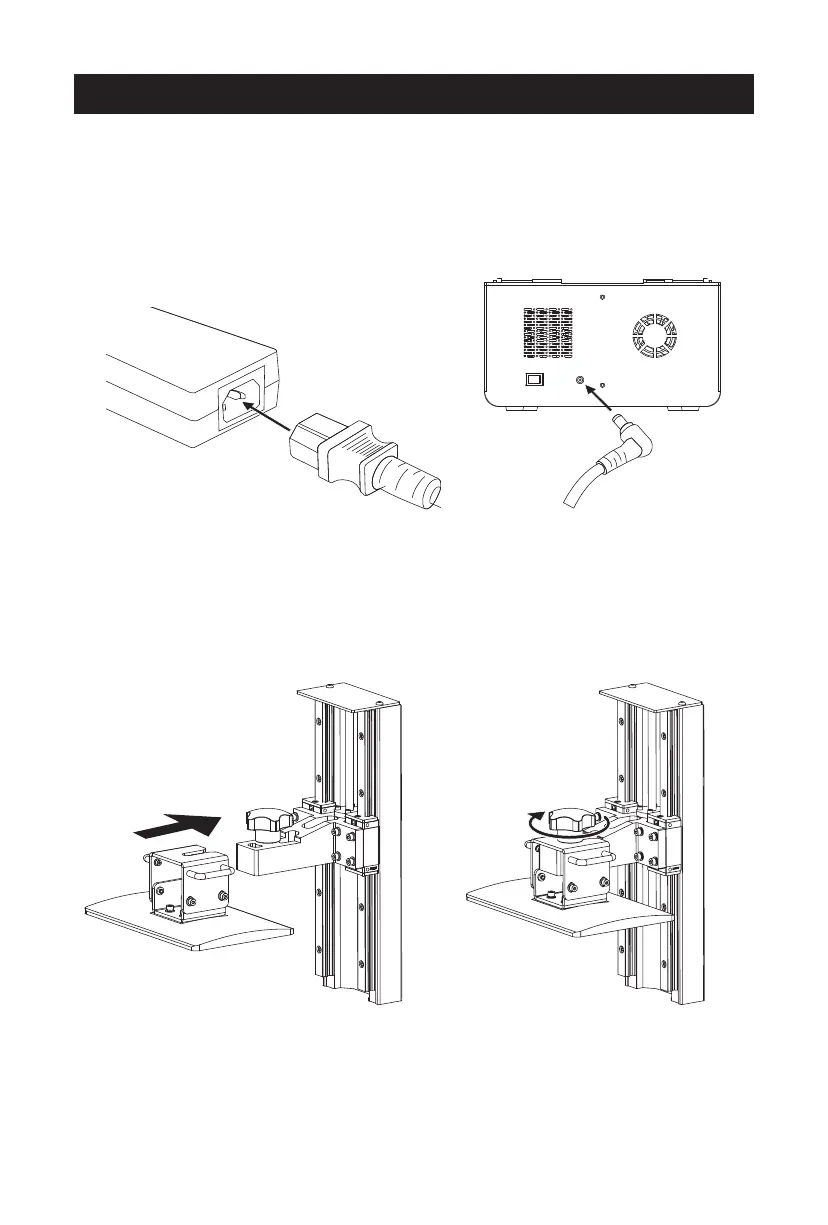
1. Connect the power adapter and power cable. Plug the output end of the
power adapter into the power input port on the back of the printer and turn
on the switch.
Leveling
Open the carton, take out the printer and accessories carefully, tear off the
winding film on the printer, and remove the tape and silicone strip for the
upper cover. Power up the printer.
2. Install the build plate on the plate holder. 3. Tighten the platform tighten knob.
05















 To Next Page