01
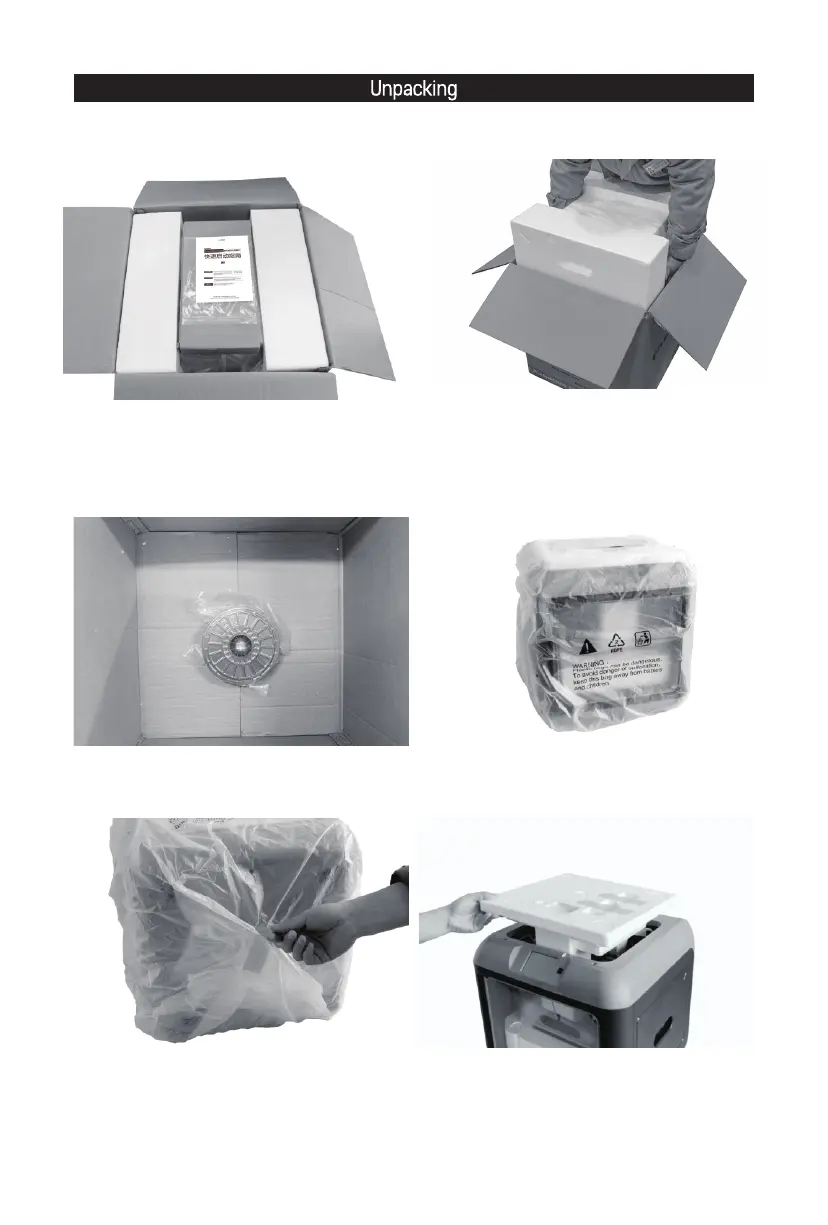
1. Take out the packing box, which contains a
Quick Start Guide, an After-sales Service Card,
a power adapter, a power cable, a solid glue,
a filament guide tube, a tool bag with an USB
stick inside.
2. Take out the 3D printer.
3. Check filament inside the box. 4. Remove all protective foams.
5. Remove the tape and the packing bag. 6. Remove the top foam piece.














 To Next Page