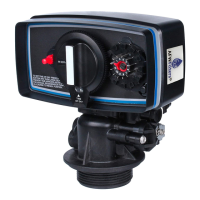
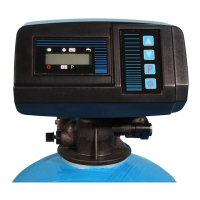
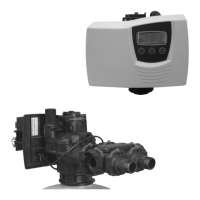
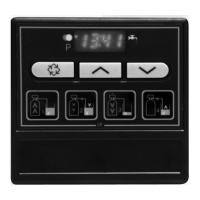
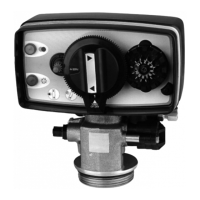
3200 ET & RM
28
3 - PROGRAM LEVEL #2
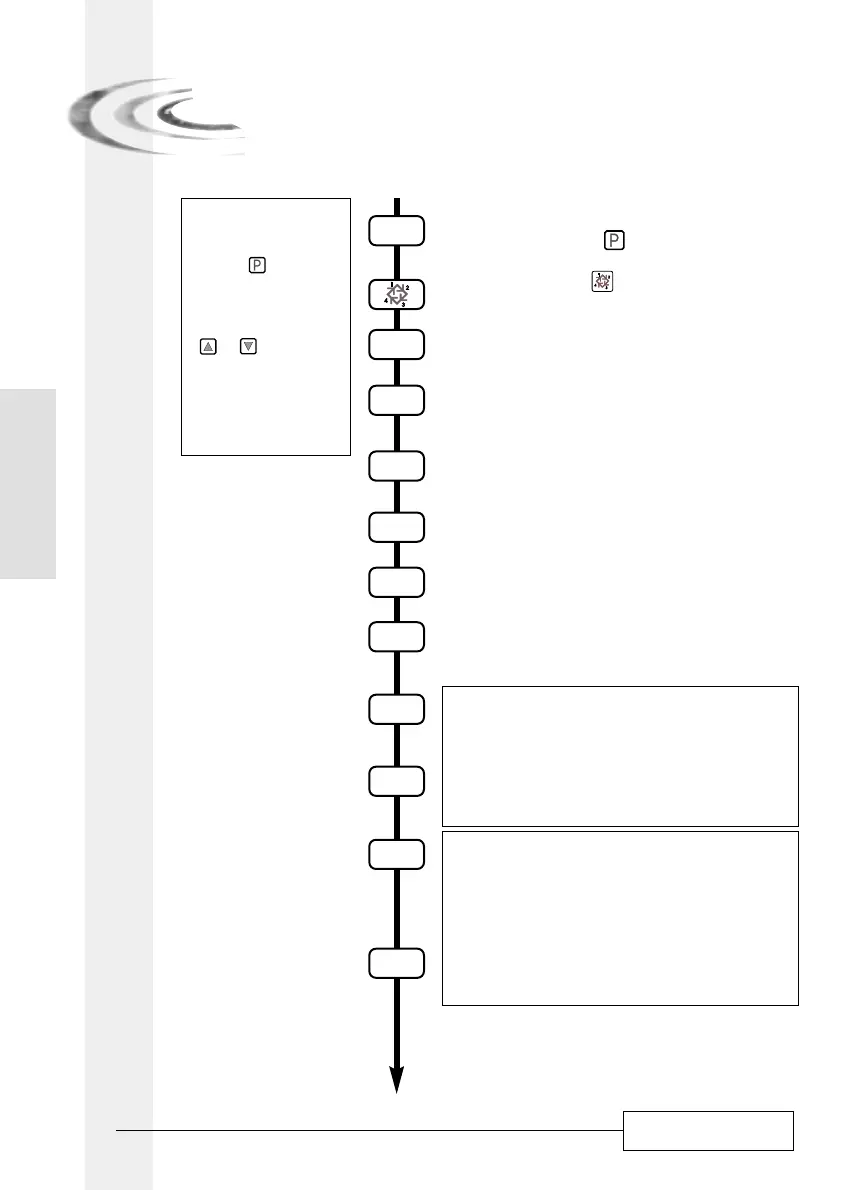
Then press the button for 5 seconds.
You are in the second level.
The valve is in service position. To enter in the second
level, push and hold the button for 5 seconds.
2.1. Flow rate (Fr) in l/min
(1)
Ex.: 8,6 l/min non adjustable [Fr - - 8.6]
2.2. Days since the last regeneration (d)
Ex.: 2 days non adjustable [d - - - -2]
2.3. Prior service volume used in m
3 (1)
(E)
Ex.: 58,6 m
3
non adjustable [E - - 58.6]
2.4. Reserve capacity (rc) in m
3 (1)
Ex.: 24,6 m
3
non adjustable [rc - - 24.6]
2.5. Previous days water usage (Pd) in m
3 (1)
Ex.: 28,4 m
3
non adjustable [Pd - - 28.4]
2.6. Indicator of chlorination (J)
Ex.: - Chloration during the cycle 2 [J - - - - -2]
- No chloration [J - - -OFF]
P
P
P
P
P
P
P
P
P
P
P
Note:
1. Push the button once
per display.
2. Option settings may be
changed by pushing the
and set buttons.
3. Depending on current
valve programming, some
displays will not be viewed
or set.
2.7.a. Start time of relay #1 (y)
Ex.: - Turn on at the start of Backwash. [y - - - - 0]
- Cancel setting [y - - - OFF]
2.7.b. End time of relay #1 (y)
Ex.: - Turn off after 10 min [- - - - 10.0]
- Turn off when back to service [- - - - - - S]
2.8.a. Start time of relay #2 (r)
Ex.: -
Turn on 10 min after start
Backwash
[r - - - - 10]
- Cancel setting [r - - - OFF]
Note: setting not viewed if relay #1 is cancelled.
2.8.b. End time of relay #2 (r)
Ex.: - Turn off after 60 min [- - - - - 60]
- Turn off when back to service. [- - - - - - S]
(1)
The unit of measure depends on the
display format chosen. All examples
above are based on the cubic meter
format. (see point 2.12).
E
N
G
L
I
S
H



 To Next Page