ELECTRONIC SE
8
1 -
VALVE OPERATION
E
N
G
L
I
S
H
Service operation
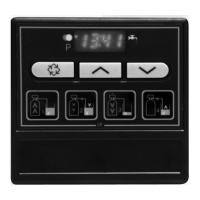
Service displays
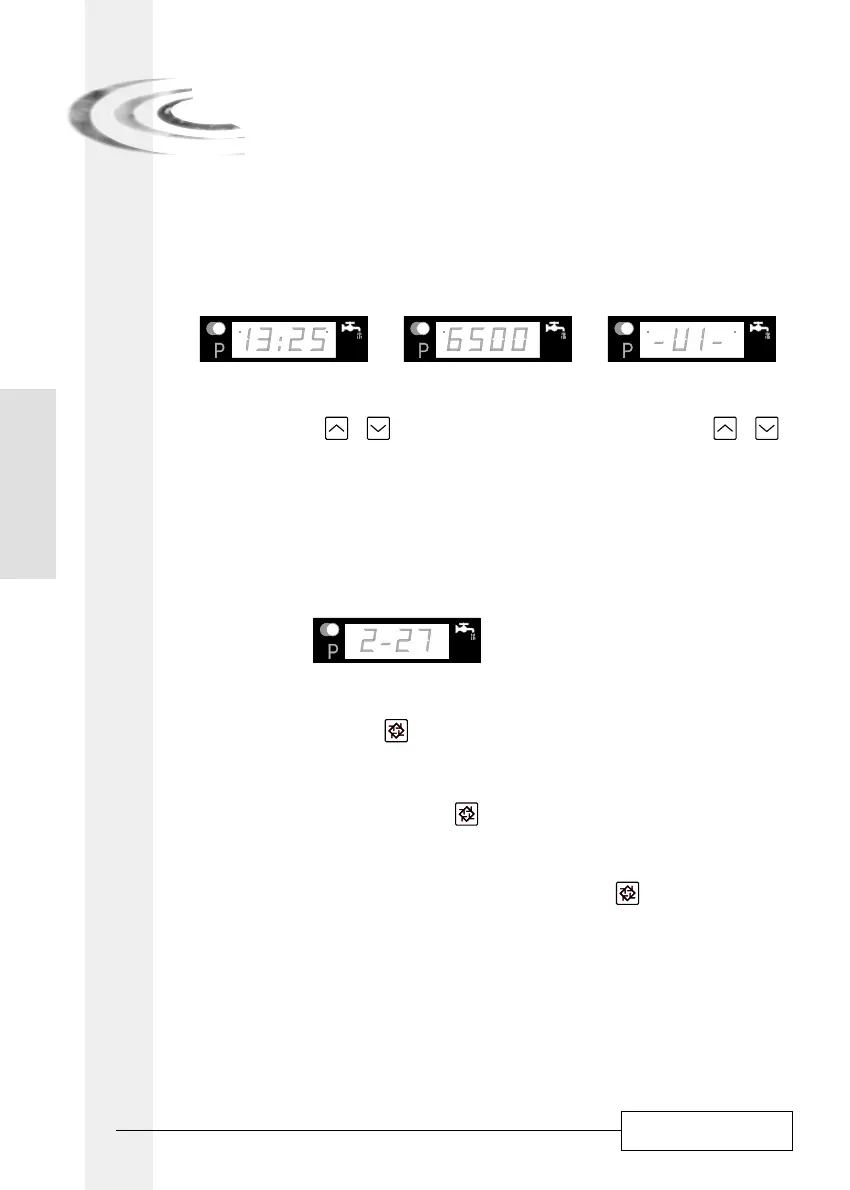
In service the time of day will alternatively be viewed with the volume remaining, (except for the
timeclock version: only the time of day will be viewed), for twin valves (8500, 9000, 9100 and 9500)
the tank in service will be shown.
Time of day Volume remaining Tank in service
time of day setting
Push either the button or to adjust the time of day. Push and hold the button or to
adjust faster the time of day.
Operation during regeneration
Regeneration displays
During the regeneration, the display will show the current regeneration step number the valve is
advancing to (flashing display) or has reached and the time remaining in that step (fixed display).
Once all regeneration steps have been completed, the valve will return to service and resume
normal operation. For example:
27 minutes remaining in step #2
Start a manual regeneration
There are two options to initiate a manual regeneration:
1- Press and release the button
- With an immediate regeneration, the valve will start immediately a regeneration.
- With a delayed regeneration, the service diode will begin to flash immediately and the
regeneration occurs at the preset regeneration time.
2- Press and hold for 5 seconds the button
- In any case the valve will go into regeneration immediately.
Advance to the next regeneration cycle
To advance to the next regeneration cycle position, push the button . This action won’t have
any effect if the valve is advancing the next cycle.
Valve operation during a power failure
During a power failure all control displays and programming will be stored for use upon power
re-application. The control will retain these values for years, if necessary, without loss. The
control will be fully inoperative and any calls for regeneration will be delayed. The control will,
upon power re-application, resume normal operation from the point where it has been
interrupted. An inaccurate time of day display means that a power outage has occurred.
1.2
1.3
1.2.1
1.2.2
1.3.1
1.3.2
1.3.3
1.4


 To Next Page