Page 4 © 2018 FlexRadio Systems, V1.2
Removing the Top Cover
The top chassis cover for the FLEX-6000 must be removed before the GPSDO can be installed.
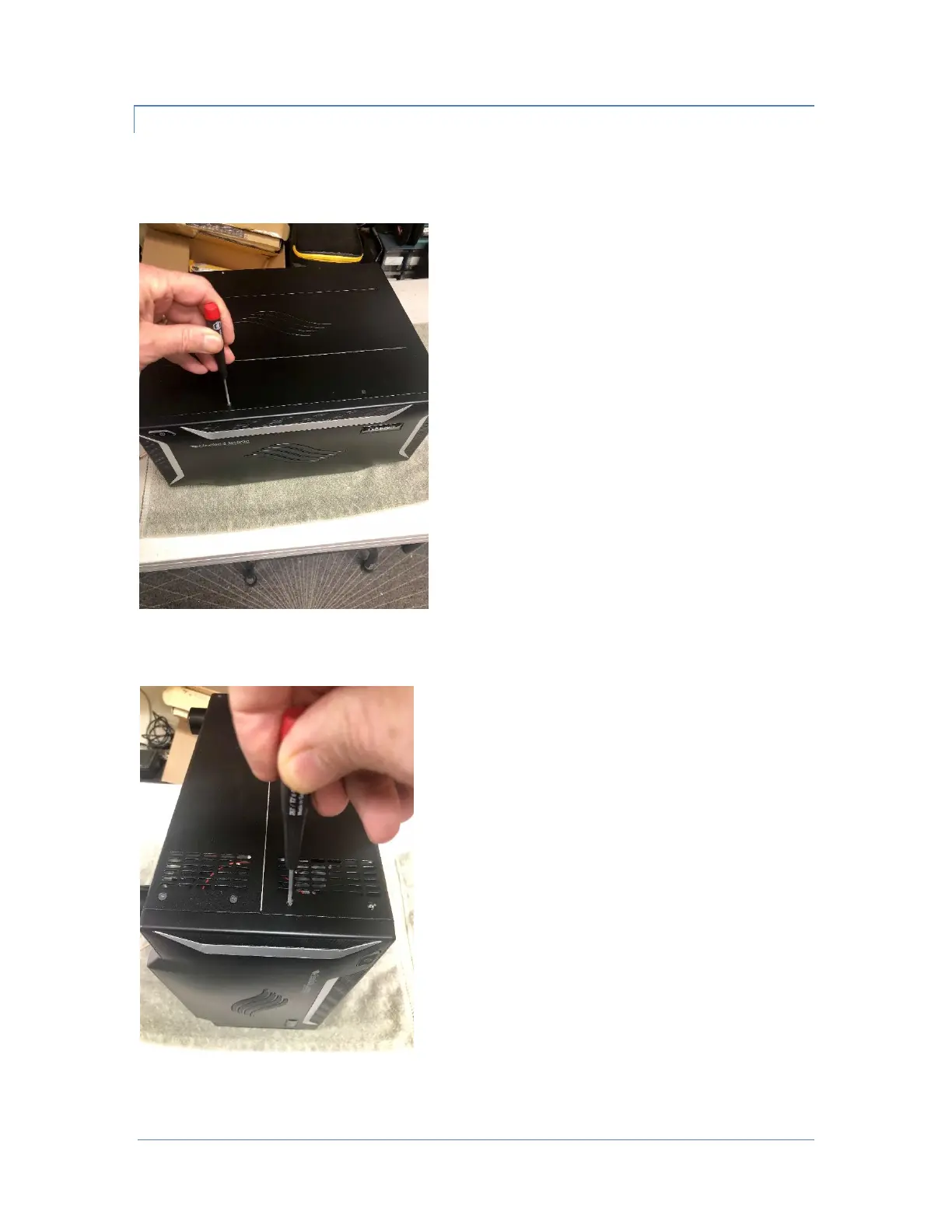
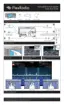
Using the T8 TORX driver remove the four (4) short Top Cover screws on the FLEX-6000.
Then remove the remaining five (5) short Side Cover Side screws from each of the right and left sides of
the FLEX6000. Retain the screws for re-installation. The images below show the Side Cover screws.
Once the top cover retaining screws have been removed, gently pull the Top Cover upwards to remove it
from the FLEX-6000.



 To Next Page