EasyManua.ls Logo

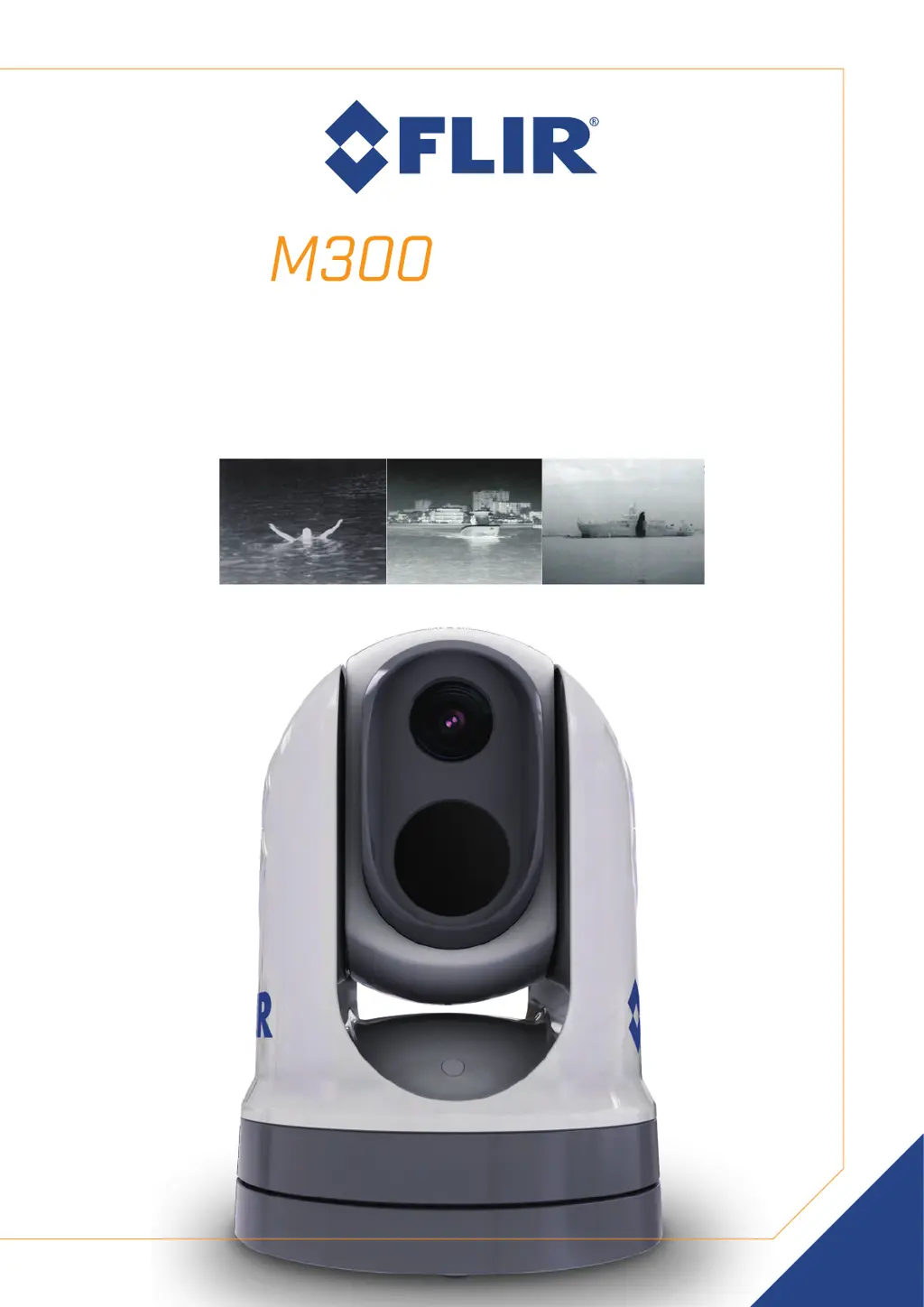
FLIR M364 - User Manual

FLIR M364
110 pages
Print Icon
To Next Page IconTo Next Page
Loading...
INSTALLATION & OPERATION
INSTRUCTIONS
SERIES
© 2019 FLIR Systems, Inc.
English (en-US) | Date: 10-2019 | Document number: 71004-2

Table of Contents

Questions and Answers

Summary

Chapter 3: Installation

General location requirements

Key considerations for selecting a suitable mounting location to ensure reliable operation and clear views.

Chapter 4: Connections

Network connections

Explains how to connect the camera to a vessel's IP network and compatible displays or control units.

Power connection

Specifies power requirements and connection methods, including voltage and grounding for safe operation.

Chapter 5: Camera control options and status icons

Chapter 6: Web interface operation

Setting up a network connection to the camera

Guides users through connecting the camera to a network for web browser access.

Chapter 7: JCU-2 operation

Chapter 8: MFD operation

ClearCruise thermal analytics

Explains ClearCruise™ technology for audible/visual alerts on non-water objects detected by the camera.

Chapter 10: System checks and troubleshooting

Thermal camera troubleshooting

Addresses common problems with the thermal camera, listing causes and potential solutions for quick resolution.

Chapter 11: Technical specification

M300 Series cameras

Comprehensive technical specifications for the M300 Series cameras, including power, environmental, and video details.

Summary

Chapter 3: Installation

General location requirements

Key considerations for selecting a suitable mounting location to ensure reliable operation and clear views.

Chapter 4: Connections

Network connections

Explains how to connect the camera to a vessel's IP network and compatible displays or control units.

Power connection

Specifies power requirements and connection methods, including voltage and grounding for safe operation.

Chapter 5: Camera control options and status icons

Chapter 6: Web interface operation

Setting up a network connection to the camera

Guides users through connecting the camera to a network for web browser access.

Chapter 7: JCU-2 operation

Chapter 8: MFD operation

ClearCruise thermal analytics

Explains ClearCruise™ technology for audible/visual alerts on non-water objects detected by the camera.

Chapter 10: System checks and troubleshooting

Thermal camera troubleshooting

Addresses common problems with the thermal camera, listing causes and potential solutions for quick resolution.

Chapter 11: Technical specification

M300 Series cameras

Comprehensive technical specifications for the M300 Series cameras, including power, environmental, and video details.

FLIR M364 Specifications

General IconGeneral
Image ProcessingFLIR Proprietary Digital Detail Enhancement
Pan/Tilt360° Continuous Pan, +/- 90° Tilt
Resolution640 x 480
Field of View24° x 18°
Video OutputHD-SDI
Power24 VDC
EnvironmentalIP66
Weight11 lbs (5 kg)

Related product manuals