Handling the camera13
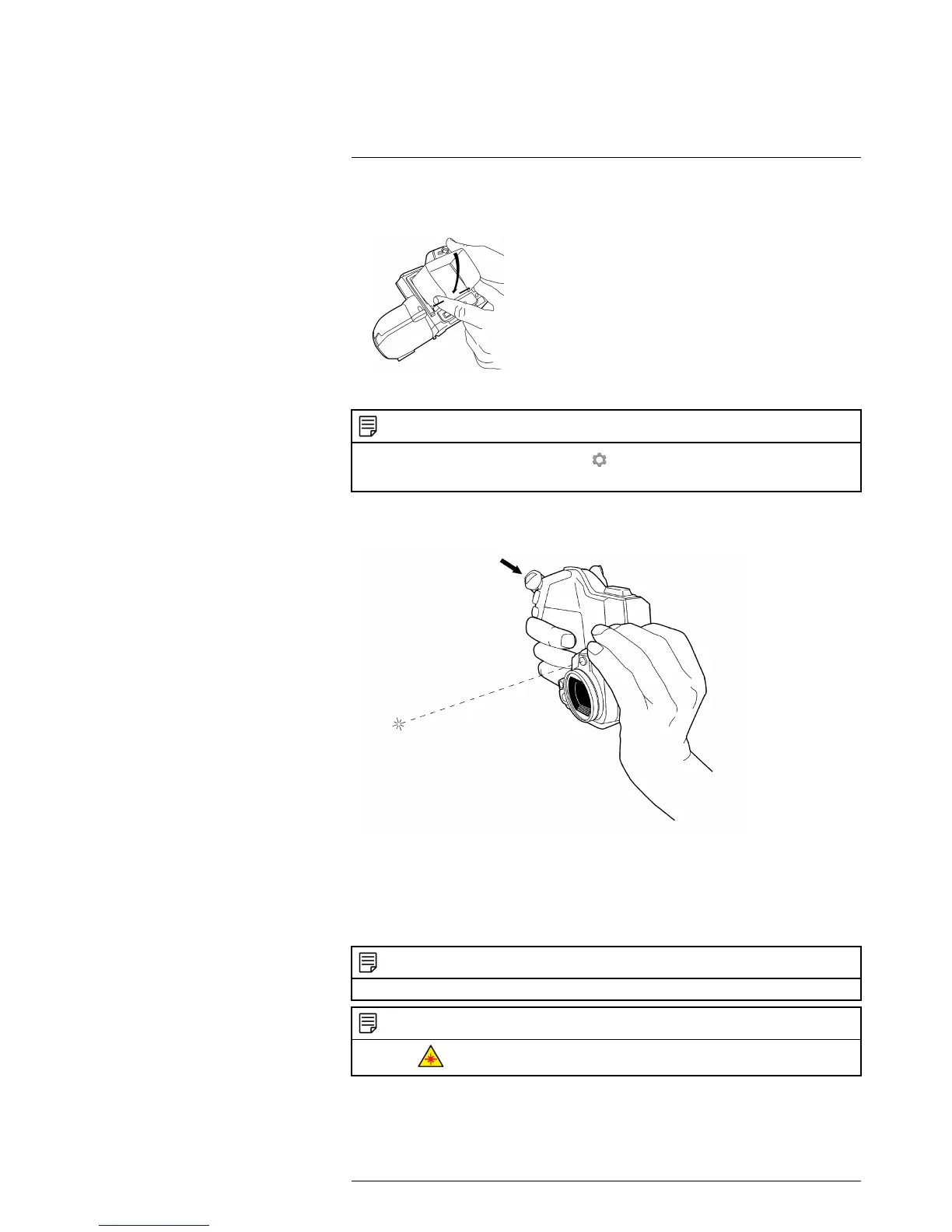
4. Push the rear part of the sunshield toward the screen, and then release your grip.
Make sure that the two tabs mate with the corresponding notches.
13.10 Using the laser pointer
NOTE
The laser pointer is enabled by a setting. Select
(Settings) > Device settings > Set up camera >
Lamp & laser > Enable lamp & laser.
13.10.2 Procedure
Follow this procedure:
1. To turn on the laser pointer, push and hold the laser pointer button.
2. To turn off the laser pointer, release the laser pointer button.
NOTE
The laser pointer may not be enabled in all markets.
NOTE
The symbol
is displayed on the screen when the laser pointer is on.
#T559879; r. AH/23788/24627; en-US
30



 To Next Page