Handling the camera13
13.11 Calibrating the compass
13.11.1 Procedure
Follow this procedure:
1. Push the joystick to display the menu system.
2. Use the joystick to go to
(Settings).
3. Push the joystick to display the Settings menu.
4. Select Device settings and push the joystick.
5. Select Compass and push the joystick.
6. Select Compass. If the Compass check box is unchecked, push the joystick to ena-
ble the compass.
7. Select Calibrate compass and push the joystick. Follow the on-screen instructions.
NOTE
You must rotate the camera slowly.
13.12 Calibrating the touchscreen LCD
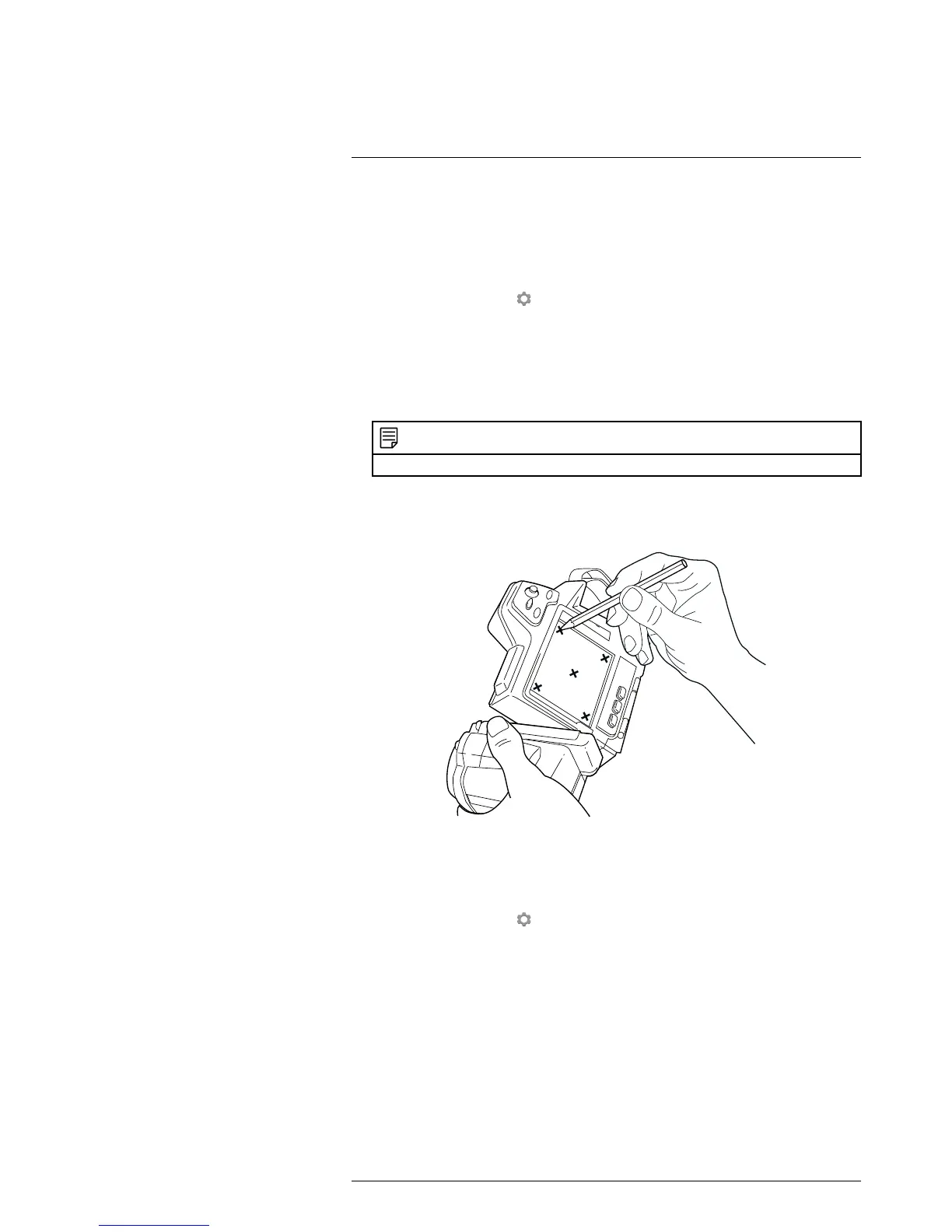
13.12.1 Figure
13.12.2 Procedure
Follow this procedure:
1. Push the joystick to display the menu system.
2. Use the joystick to go to
(Settings).
3. Push the joystick to display the Settings menu.
4. Select Device settings and push the joystick.
5. Select Set up camera and push the joystick.
6. Select Calibrate touchscreen and push the joystick.
7. Calibrate the touchscreen by tapping the five crosshairs that appear on the screen
using a stylus pen specially designed for capacitive touch usage.
8. When completed, push the joystick.
#T559879; r. AH/23788/24627; en-US
31



 To Next Page