EN-1
Safety and General Information
Caution
Before using this radio, read this booklet which contains important operating instructions.For
information on product details, brochures, user manuals and approved accessories. Please refer
to http://www.floureon.com
Package Contents
Operating Instructions
• Transmit no more than 50% of the time. To transmit (talk), press the Push-To-Talk (PTT)
button. To receive calls,release the PTT button.
• Hold the radio in a vertical position in front of the face with the microphone (and other parts of
the radio including the antenna) at least 1 in. (2.5 cm) away from the nose or lips.Antenna
should be kept away from the eye.
• DO NOT hold the antenna when the radio is transmitting.
• DO NOT use any portable radio that has a damaged antenna. If a damaged antenna comes
into contact with your skin, a minor burn can result.
Acoustic Safety
Exposure to loud noises from any source for extended periods of time may temporarily or
permanently affect your hearing. The louder the volume of the radio, the sooner your hearing will
be affected. Hearing damage from loud noise is sometimes undetectable at first, and can have a
cumulative effect.
To protect your hearing, follow these precautions:
• Use the lowest volume necessary to do your job.
• Turn up the volume only if you are in noisy surroundings.
• Turn down the volume before putting on a headset or headphones.
• Limit the amount of time you use a headset or headphones at high volume.
• When using the radio without a headset or headphones,do not place the speaker of the radio
directly against your ear.
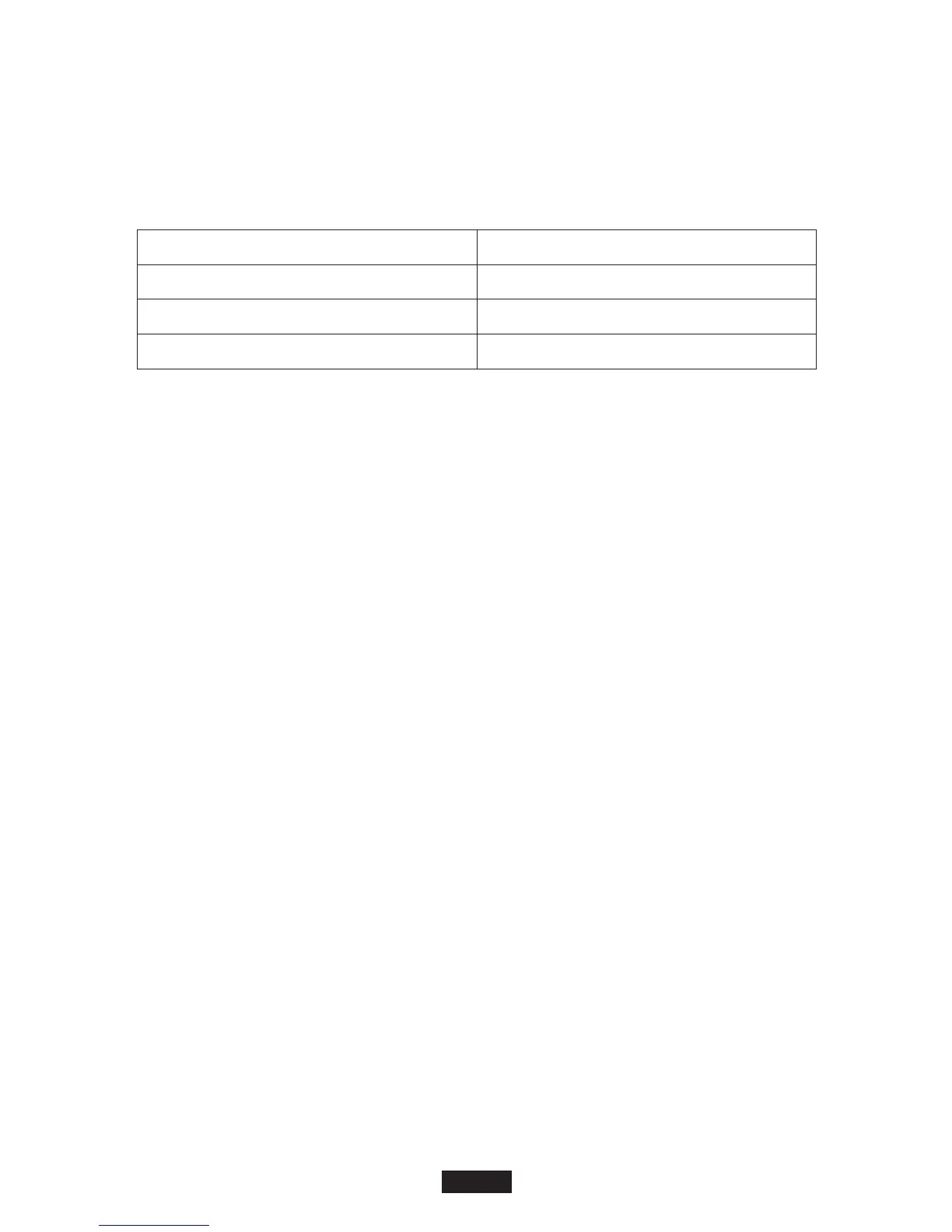
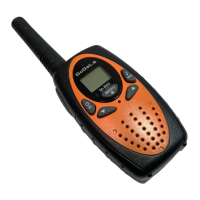
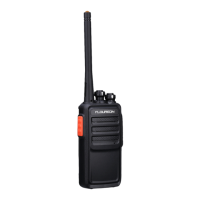
Package Content
Walkie-Talkie
Belt Clip
User Manual
FC200
2
2
1
Keypad Tones
You may enable or disable the keypad tones. You will hear the key tone each time a button
pushed.
• To disable/disable keypad tones, power OFF your radio. Press ▼ button & power ON radio at
the same time until you see the display.
Roger Tone
You can set your radio to transmit a unique tone when you finish transmitting.
• To disable/enable roger tone, power OFF your radio. Press ▲ button & power ON radio at the
same time until you see the display.
Setting High Low Power
1. Press Menu until ‘Pr’ appears on the display.
2. Press ▲/▼ to select HI or LO. (HI- High Power, LO- Low Power)
3. Press the PTT button to exit menu or menu to continue setup.
Keypad Lock
To avoid accidentally changing your radio settings:
1. To lock the radio, press and hold MENU/ button until the key lock indicator icon on
display appear.
2. To unlock the radio, press and hold MENU/ button until key lock indicator icon on
display disappear.
Scanning Channels
Use the scan function search all channels for transmission from unknown sources; find
someone in your group who has accidentally changed channels or find unused channels quickly
for own usage.
To Start Scanning
1. Press the Scan/Mon button briefly to turn on the scan function. The scan icon will appear
on the display and the radio begins to scan through the channel & sub-codes.
2. When the radio detects channel activities matching the channel and sub-code combination,
the radio stops scanning and you can hear the transmission. Press the PTT/Menu/Scan/Call
button to exit the scan function.
Advanced Scanning
3. If the radio stops scanning on a channel you do not want to listen to, you may temporarily
remove that channel from the scan list by long press the ▲ or▼ key for more than 3 seconds.
This channel will be temporarily removed from the scan list. Press ▲ or ▼to resume
scanning. To restore the channel, turn the radio off and then back on.
Priority scan
4. Before entering scan, current channel and sub-code are the priority channel and sub-code.
When a radio receives transmission from priority channel and a sub-code, the radio will switch
to priority channel and sub-code without completing the whole scanning cycle.
LED Lamp
Your radio has a built-in-LED Lamp.
Press ‘LAMP’ button once to turn ON the lamp, press again to turn OFF the lamp.


 To Next Page