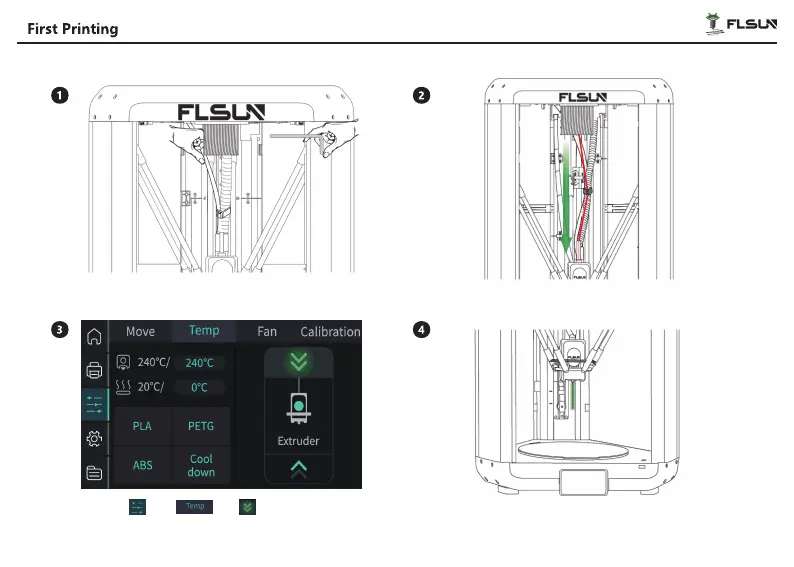
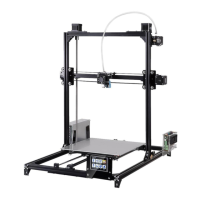
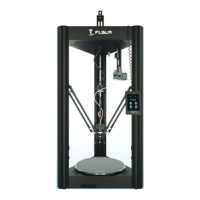
Insert the filament into the filament holder.
Click on“ ”-“ ”- ” ”. When the nozzle
heats up to the set temperature, the printer will auto-
matically load the filament.
Pull the filament down through the center filament
hole until it is inserted into the effector PTFE tube.
Wait for the filament to be extruded and then the
“ load” is finished.
USB
25
USB


 To Next Page