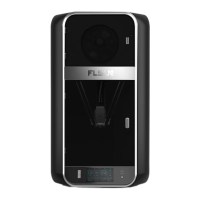
After ensuring that all lines are connected, take out the
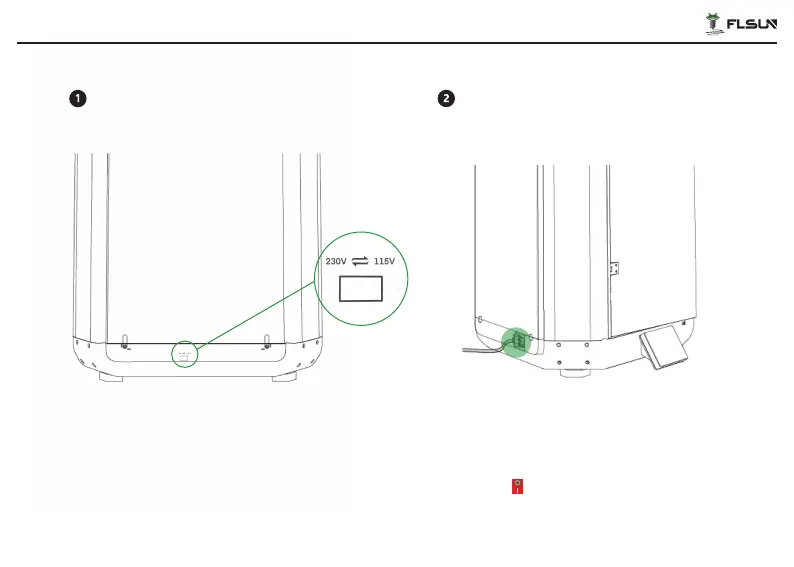
power cord and plug it into the left side of the printer
and turn on the power switch to energize the machine.
*Please note that before plugging in the power cord, please press
the power switch to ensure that the power switch is off.
Voltage selection and power on
The default input voltage of the printer is 230V, if the
voltage in your location is 115V, please manually adjust
the power input voltage to 115V before powering on the
printer for the first time.
22


 To Next Page