Follow the prompts, click "Next" and the device will
perform "Self-inspection".
Select the network and click “Next”.If no connection
is needed,click“Skip”; if necessary, re-add the net-
work connection to the screen.
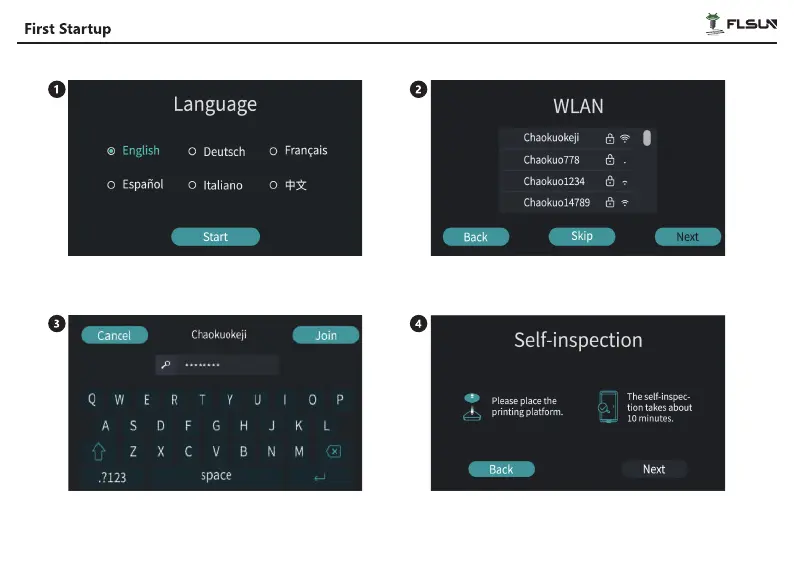
After powering on, follow the instructions on the
screen to select the language and click“Start”.
Enter the wifi password and click“Join”.
23


 To Next Page