414D/419D/424D
Users Manual
6
Before You Start
This section has basic information about the batteries and
measurement reference point. It also describes the Meter
keypad and display.
Batteries
Replace the batteries when blinks in the display.
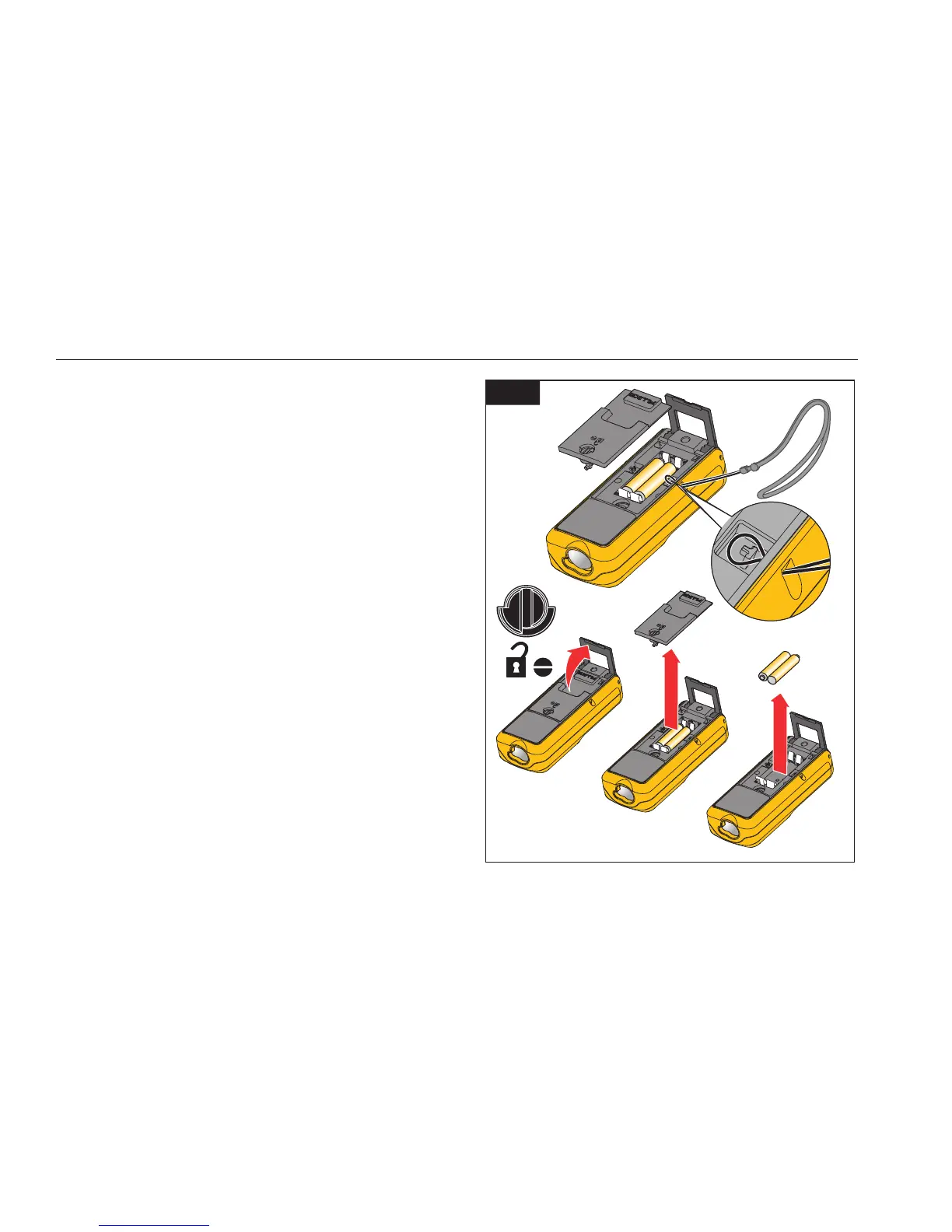
To install or replace the batteries:
1. Remove battery compartment lid. See Figure 2.
2. Attach the handstrap.
3. Install two AAA (LR03) batteries with the correct
polarity.
Note
Do not use zinc-carbon batteries.
4. Close the battery compartment.
W Caution
To prevent corrosion, remove the batteries
before a long period of nonuse.
2
gwo01.eps
Shop for Fluke products online at:
1.877.766.5412
www.MyFlukeStore.com



 To Next Page