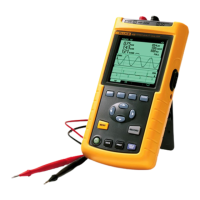
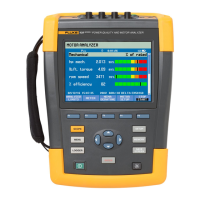
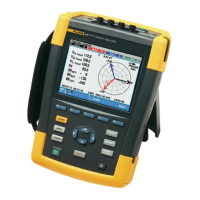
Fluke 434-II/435-II/437-II
Users Manual
24-2
Figure 24-1. Entry screen to Analyzers setups
Power on.
At power on the welcome screen in Figure 24-2 will be displayed. This screen gives an
overview of the most important settings such as: date, time, wiring configuration,
nominal frequency, nominal voltage, the set of power quality limits used, and the type of
voltage and current probes to be used.
Function key F1 gives access to a screen showing in detail how to connect voltage and
current probes to the power system to be examined. Figure 24-3 gives an example. Press
F1 again to return to the Welcome screen.
Figure 24-2. Welcome screen at power-on
Figure 24-3. Screen showing actual wiring configuration
Press the SETUP key gives access to menus with all the Analyzer’s setups:
c
SETUP
1.800.868.7495info@Fluke-Direct.ca
Fluke-Direct.ca



 To Next Page