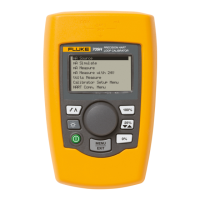
707Ex
Users Manual
8
Using the SpanCheck Function
When in source mode the SpanCheck™ function checks
the zero and span points of a transmitter in either
SOURCE or SIMULATE mode.
To select SpanCheck, press C.
To exit, press any pushbutton or turn the knob.
AQV02F.EPS
Measuring dc mA
W Caution
To prevent damage to the unit under test,
ensure that the Calibrator is in the correct
mode before connecting the test leads.
To measure dc mA:
1. Press
A
to step to MEASURE mode.
MEASURE mA is displayed.
2. Touch the test probes to the circuit across the load or
power source as shown below. Connect the COM
probe first.
AQV03F.EPS


 To Next Page