A Quick Tour
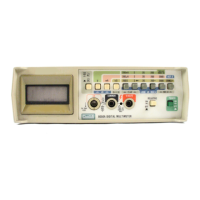
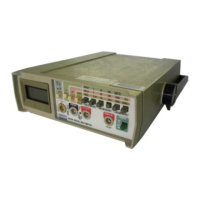
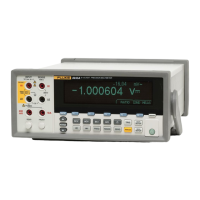
Your Graphical Multimeter
1
1-7
Table 1-2. A Practice Session (cont)
STEP ACTION DESCRIPTION
4
r
CHANGE THE MEASUREMENT RANGE
Press
r
to access the Range Softkeys, then press
2
to select a higher range (and activate
“Manual” ranging.) Press
1
to switch back to “Auto” ranging, then press
r
to return to the
DC Volts Softkeys.
5
M
ENABLE MIN MAX READINGS
Press
M
to start displaying the maximum (“Max”), average (“Avg”), and minimum (“Min”)
readings. Press
M
again to deactivate Min Max.
6
H
ENABLE TOUCH HOLD
Press
H
to begin holding the last valid reading in the display, even if the test leads are
withdrawn from the measurement point.
h
appears in the upper status line. Press
H
again to
stop Touch Hold
7
F
CHANGE THE TYPE OF FREQUENCY DISPLAY
Press
F
to access the Frequency Softkeys.
The frequency reading (which was in the secondary display) and DC Volts reading (which was in
the primary display) are swapped.
The softkeys allow you to select different types of frequency measurements (Hz, Duty Cycle,
Pulse Width, or Period). Press
4
to select “Period”, then press
F
again to return to the DC
Volts Softkeys. Primary and secondary displays swap again, and the change to “Period” frequency
measurement continues in the secondary display.



 To Next Page