PTi120
Users Manual
6
Main Menu
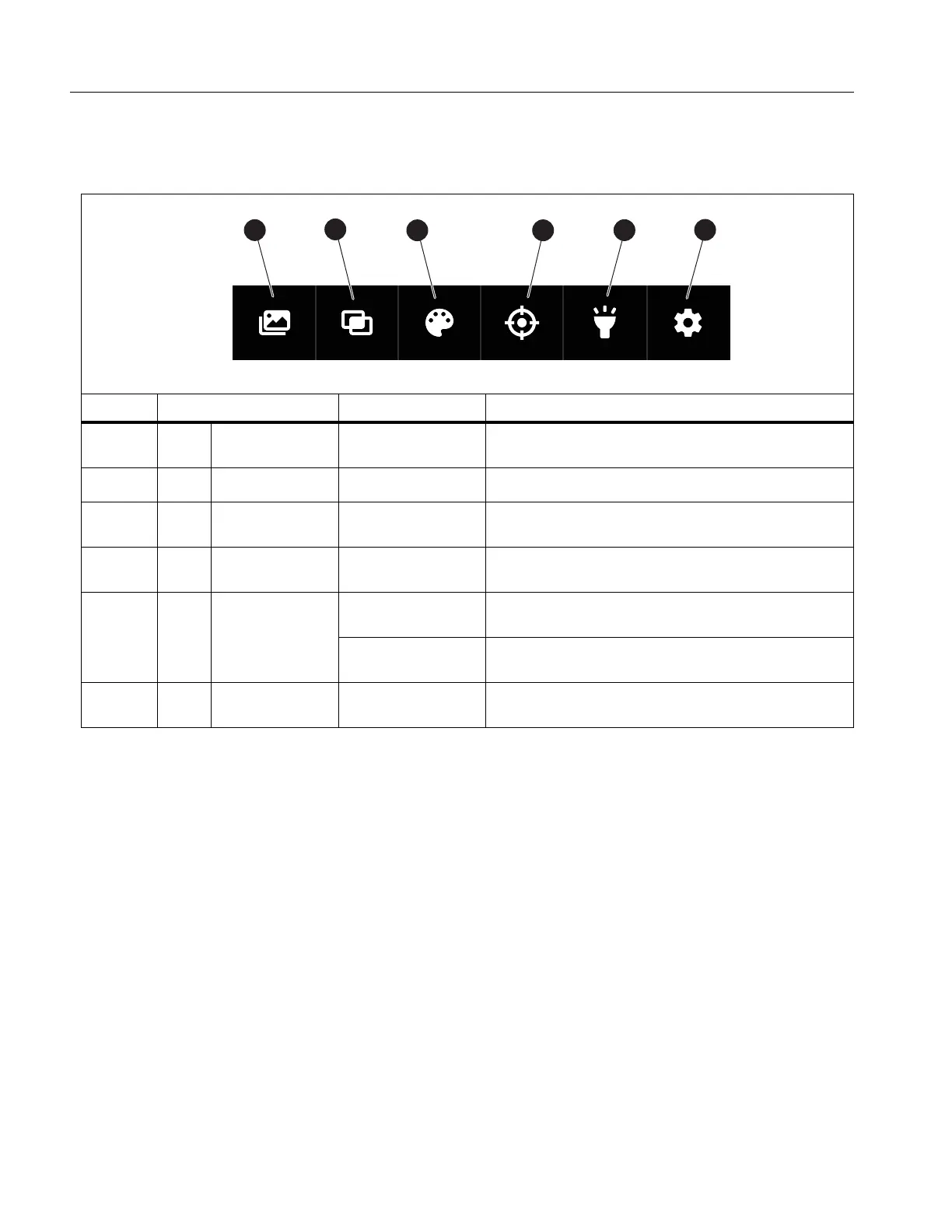
Table 5 lists the secondary menus available in the Main Menu.
Table 5. Main Menu
Item Secondary Menu Option Function
Memory <options>
Select to review, edit, and delete captured images.
See Memory Menu (Memory Gallery).
Image IR-Fusion Set the IR-Fusion level. See Image Menu.
Palette <options>
Set the palette to use on the image. See Palette
Menu.
D
Display <options>
Set the features to show on the display. See
Display Menu.
E
Light
Torch
Use the toggle switch to turn on or off the torch
(flashlight).
Backlight
Use the slider bar to set the brightness level of the
display.
F
Settings <options>
Set user preferences and view information about
the Product. See Settings Menu.



 To Next Page