Pocket Thermal Imager
Image Menu
7
Image Menu
The IR-Fusion slider bar sets the Product to take images from full visible light mode to full IR-Fusion mode. Use a
blend between visible light mode and IR-Fusion to view an object with some temperature overlays.
To adjust the IR-Fusion level:
1. Tap
.
2. Use the slider bar to set the IR-Fusion level.
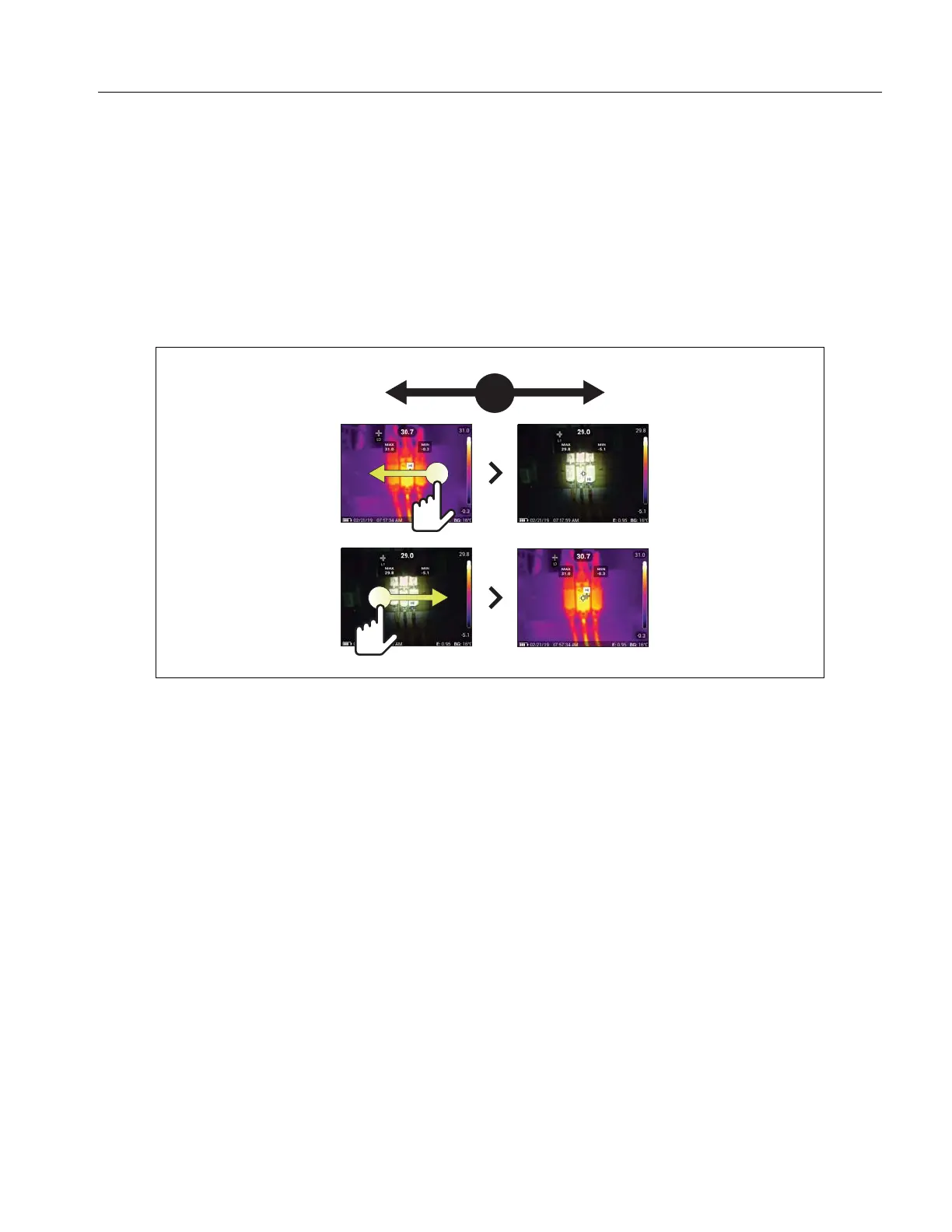
Alternatively, you can adjust the IR-Fusion level in camera mode. Touch the display and slide left to right to
increase the level of IR-Fusion. Slide from right to left to decrease the IR-Fusion level. See Figure 1.
Figure 1. IR-Fusion Level



 To Next Page