Pocket Thermal Imager
Product Familiarization
3
Touch Screen (Display)
The touch screen is the user interface of the Product. The touch screen has a backlight for work in dimly lit
spaces.
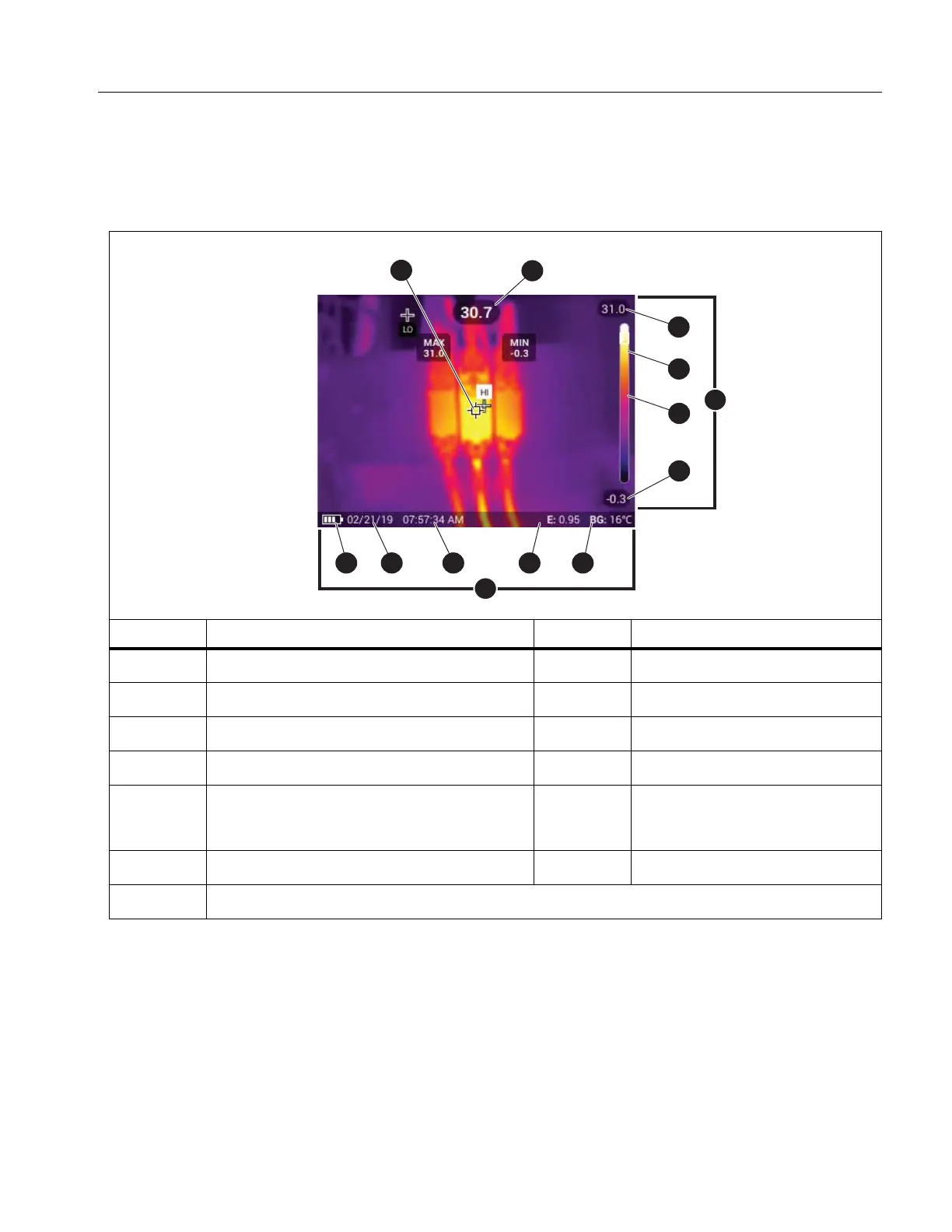
Table 3 shows the default information on the screen of the Product.
Table 3. Display
Item Description Item Description
Center point marker
H
Status bar
Center point temperature
I
Background temperature
Scale
J
Emissivity value
D
Temperature range upper value
K
Time
E
Range bar
The range of colors in the palette mapped to
a certain range of temperatures
L
Date
F
Center point color in relation to the palette
M
Battery status
G
Temperature range lower value



 To Next Page