PTi120
Users Manual
8
Palette Menu
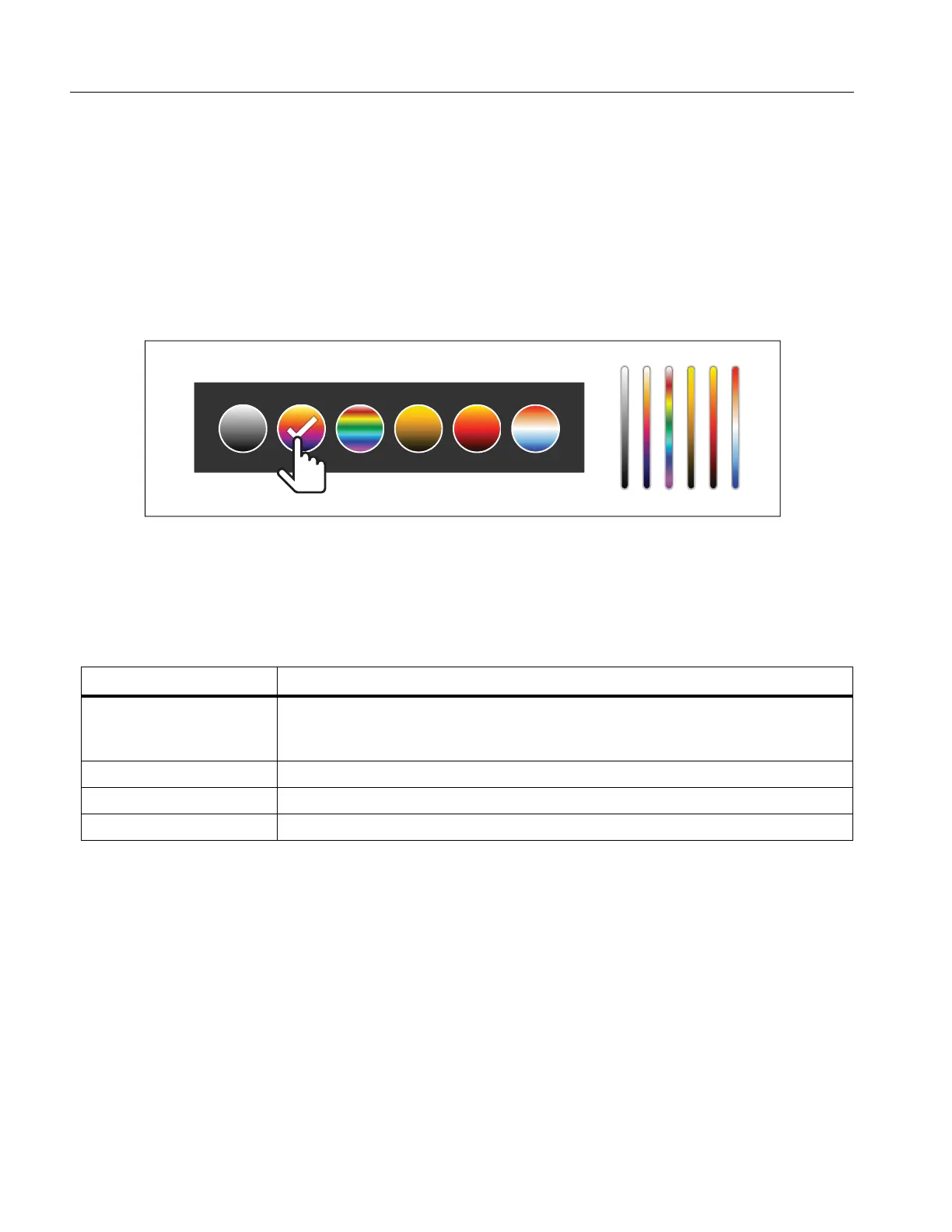
The standard palettes offer an equal, linear presentation of colors that allow for best presentation of detail. The
palettes are Grayscale, Ironbow, High Contrast, Amber, Hot Iron, and Blue-Red.
To change the palette of an image:
1. Tap
.
2. Tap on a palette thumbnail.
A check mark shows on the selected palette. The color and temperature range bar on the display changes
according to the selected palette. See Figure 2.
Figure 2. Palette and Range Bar Selection
Display Menu
Use the Display menu to set which features to show on the display. To show the Fluke logo on the display, see
Device Settings Menu. Table 6 lists the options in the Display menu.
Table 6. Display
Option Description
Spot Temp
(Min/Max)
Turn on or off the maximum and minimum temperature indicators on the display.
The Spot Temperatures are floating HI and LO temperature indicators that move
on the display as the temperature measurements of the image fluctuate.
Center Point Turn on or off the Center point marker and Center point temperature.
Scale Turn on or off the Scale.
Status Bar Turn on or off the Status bar



 To Next Page