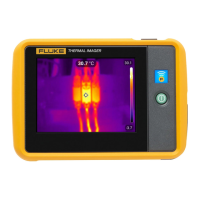
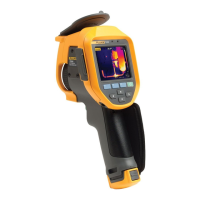
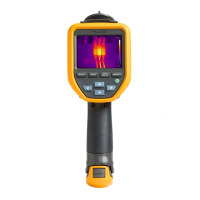
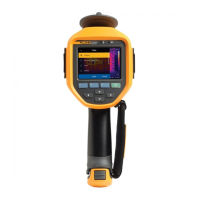
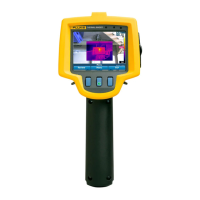
Pocket Thermal Imager
Radio Frequency Data
17
Before you use the Product for the first time, charge the battery for at least 1.5 hours. The battery status shows
on the five-segment charge indicator.
1. Connect one end of the USB cord into the USB port on the Product and the other end into a USB port on a
PC.
2. Charge until the charge indicator,
, on the display does not flash.
3. Disconnect the USB cable when the battery is fully charged.
W Caution
To prevent damage to the Product:
• Always operate in the specified temperature range.
• Do not attempt to charge the batteries in extreme cold environments.
~ W Caution
Do not incinerate the Product.
Radio Frequency Data
See Table 8 for instructions on how to access digital copies of the Certificate IDs on the Product.
To view the Radio Frequency Data Class B Instruction Sheet, visit http://us.fluke.com/usen/support/manuals
.
Specifications
Complete specifications are at www.fluke.com. See the PTi120 Product Specifications.


 To Next Page