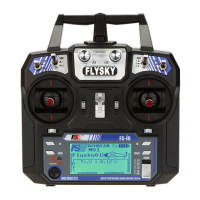
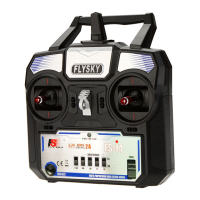
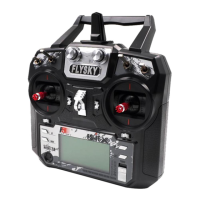
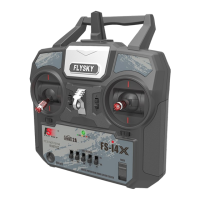
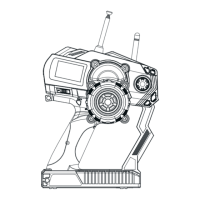
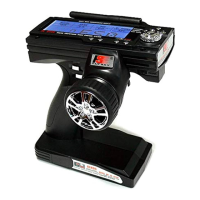
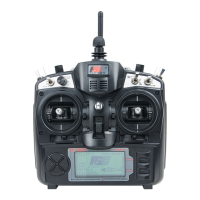
15. Power On
16. Power off
(pic 15.1)
Power on
Power off
1. Connnect all parts,
2. Press the two power buttons to power on the unit. Switch
on the transmitter,
3. Connect the receiver battery,
4. The receiver red LED indicator is solid indicating the
presence of a correct signal,
5. When the error rate of transmitter is less than 5%, the
signal of receiver is stable,
6. Use the radio system.
1. Cut off power source of receiver,
2. Press the two power buttons to power off the unit. Switch
off the transmitter.
Attention: transmitter cannot be turned off if the power
source of receiver is not cut off.
(Pic 15.2)
(Pic 16.1)
(Pic 16.2)
15.01 Boot Abnormal Protection
16.01 Shutdown Abnormal Protection
(Pic 16.1.1)
If the screen looks like picture 15.1.1, there is a system problem. You must resolve the problem before
restarting the system
1. The switch is not reset. (You need to push switch up.)
2. Thro Stick (Push to lowest setting)
If the screen looks like picture 16.1.1 you need to turn off the receiver first and then turn off the transmitter
(pic 15.1.1)
http://www.flysky-cn.com
22



 To Next Page
 Loading...