20
17. Logo/Information Screen
Transmitter battery state
Receiver battery state
Receiver sensor state
Receiver signal
Model name
Logic switch function enabled
No sound
Flap function enabled
Exponential function enabled
Throttle cut function enabled
Help
Settings
Airplane/helicopter structure
Multipurpose timer 1
Ruddertrim
Aileron trim state
Elevator trim state
Engine timers
Multipurpose timer 2
Butterfly function enabled
Throttle hold enabled
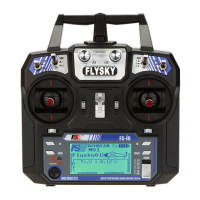
(Pic 17.1)
(Pic 17.2)
Trainer function enabled
Display condition
The FlySky logo will be shown on the screen when first switching on the transmitter. After two seconds the main menu will be
displayed:
Elevator trim state
Throttle trim
523
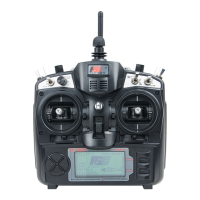
Digital proportional radio control system



 To Next Page
 Loading...